Best Project Manager App: 10 Tools Compared for 2026
Compare the 10 best project manager app options by features, pricing, and team fit—including flat-fee Tuff and per-seat tools like Asana and ClickUp.
Which project manager app is best when your team grows, clients join projects, and the bill changes with every new user? The feature checklist won't answer that. The important questions are how the tool charges as headcount changes, whether conversations and tasks stay connected, and how much setup your team will tolerate.
This comparison covers 10 project management apps across six approaches: all-in-one workspaces, general-purpose tools, developer platforms, client-services software, lightweight boards, and structured planning systems. Each is assessed for what it does well, what takes effort, and how its pricing model affects the cost of adding people. Microsoft's analysis of Microsoft 365 activity found employees spent 57% of their time communicating and 43% creating work artifacts, while 68% of survey respondents lacked enough uninterrupted focus time during the workday, according to the 2023 Microsoft Work Trend Index. That makes the connection between discussion and execution more than a convenience: it can determine whether decisions become trackable work.
The list moves from shared workspaces to more specialized options. Use the pricing lens as carefully as the feature list, especially if clients, freelancers, or temporary contributors need access.
1. Tuff
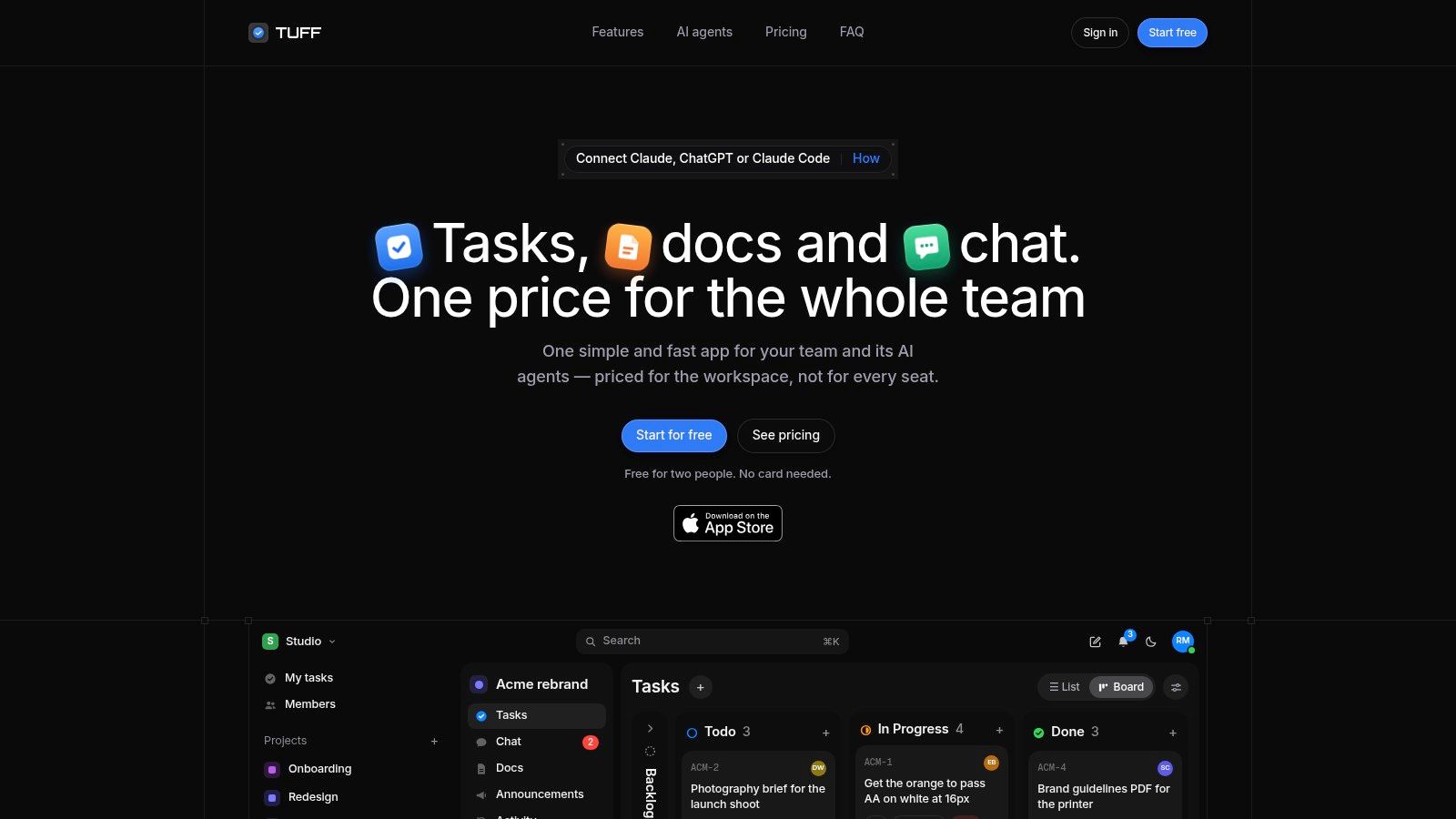
For teams that want project work and its surrounding conversation in the same place, Tuff combines tasks, chat, documents, files, announcements, and time tracking in shared workspaces. Each project holds its related tasks, discussions, documents, uploads, and links, so supporting material stays with the work it belongs to. A chat message can mention a task without losing the thread, or be turned into one, which helps prevent a decision in a conversation from disappearing before anyone assigns the follow-up.
Pricing is based on the workspace rather than a fee for every individual. The free Duo plan supports two people and 250 MB of files. Monthly paid plans are Team at $25 for up to 10 people and 25 GB, Company at $99 for up to 100 people and 100 GB, and Unlimited at $299 for unlimited people and 1 TB. Every plan includes every feature except AI agents, and projects and tasks are unlimited at each tier. The cost question is capacity: exceeding a plan's people or storage allowance means moving to a higher tier, not paying per head. Compare the Tuff workspace plans against the number of people who need regular access, including clients and occasional contributors, not just the core team.
Cost check: A flat workspace fee can make the bill easier to forecast, but only while your team fits within the plan's people and storage limits.
Slack channel imports preserve threads, names, and files, and Tuff works with GitHub. Paid plans also support MCP-compatible AI agents. Agents act with the authorizing user's identity, cannot delete content, and appear in the activity feed. That kind of control matters as teams evaluate AI: Capgemini's 2025 research on generative AI in organizations reports that 71% of organizations cannot fully trust autonomous AI agents for enterprise use, while 46% have governance policies in place.
The trade-offs are practical. The free plan is limited to two people and 250 MB, so it functions more as a trial than a working tier. Tuff runs in mobile browsers and can be added to a phone's home screen, with notifications turned on when the user chooses. The shared-workspace model is worth considering if task context, project files, time records, and client conversations currently live in separate tools you pay for per seat.
2. Asana
Asana suits teams that need a clear structure for assignments, deadlines, and work spanning multiple projects. List, board, and timeline views let people choose how to inspect the same work, while comments and activity history keep decisions close to the tasks they affect. Recurring tasks and paid-plan AI features can help teams standardize repeatable processes.
The setup is usually easiest when a team agrees on a few basics before inviting everyone: which projects belong in Asana, what statuses mean, and who owns each task. Without those rules, teams can create duplicate projects or use different conventions for similar work. Its broader planning and reporting features may also be more than a small team needs.
Asana uses per-user subscriptions, so the bill grows as more people need paid access. That can be a sensible trade if each person needs ownership, project visibility, and task-level history. It's less attractive when a project involves many occasional contributors who only need to see context or provide an update.
Consider Asana when your main need is structured task coordination rather than keeping chat, documents, and time records in one workspace. Before adopting it, estimate the cost using the full group that will participate, including managers and cross-functional collaborators, not only the people who create tasks.
3. monday.com
monday.com starts with a board and lets teams shape it around their workflow. You can define statuses and data fields, then use visual views, templates, automations, and integrations to represent processes such as campaign production or work intake. That flexibility is useful when a standard task list doesn't match how the team moves work forward.
The trade-off is that a configurable board still needs rules. Decide which fields are required, who can change the structure, and how teams should name boards and statuses. Otherwise, different groups may build parallel systems that look familiar but don't report consistently. Get the basic workflow right before adding automations or building a dashboard.
Pricing is per seat, and minimum seat requirements can affect the cost of a small team. Plan-based limits also apply to automations, integrations, and AI usage, so compare the tier against the way you intend to use those features. A low entry price doesn't settle the question if a workflow depends on capabilities available only on a higher plan.
monday.com is a reasonable fit for teams that want visual control and can assign someone to maintain the board structure. It may be a poor fit for teams that want a ready-made project process with minimal configuration. Start with one representative project, test how ownership and status changes work, and expand only after the team can use the board consistently.
4. ClickUp
ClickUp tries to bring a broad collection of work tools into one platform. Teams can manage tasks, collaborative documents, boards, calendars, goals, time tracking, chat, and dashboards. That range can reduce the number of separate apps a team needs, particularly if people are currently maintaining task lists and project documentation in different places.
The catch is the effort involved in deciding how to use all those options. A workspace with many views, custom fields, and settings can become hard to manage if no one owns the setup. Start with a small number of spaces, a consistent task structure, and only the views the team needs. Add more features when a clear workflow requires them, not because they're available.
ClickUp offers a free plan with unlimited tasks and members, while paid features and limits vary by tier. Paid users are billed on a per-user basis, so the cost can rise as more people need access to the paid workspace. Check which plan includes the features your team depends on, particularly if you're evaluating time tracking, workload management, automation, reporting, or administrative controls.
ClickUp is strongest when someone on the team is willing to maintain a configurable workspace and help colleagues learn it. If the team wants a simple board with almost no onboarding, the breadth may feel like overhead rather than value.
5. Jira
Jira is built for teams managing software backlogs, issues, and agile delivery. Scrum and Kanban boards, configurable workflows, and backlog planning give developers a system for moving work from intake through delivery. Its app ecosystem can connect Jira with other tools in a development stack.
That specialization is an advantage when teams need to define issue types, statuses, and handoffs with precision. It can be unnecessary complexity for a studio tracking content production or an operations team coordinating a straightforward launch. Configure only the fields and workflow steps that developers will use. Too many mandatory fields make it harder to file work and keep the backlog current.
Jira's free plan supports up to 10 users. Paid plans use user-based billing, so adding developers or other paid users affects the subscription cost. Some advanced planning, automation, permissions, and administration features sit on higher tiers. When estimating spend, include the users who need to work in the system across product and engineering, not just the people who create tickets.
Choose Jira when the work itself is issue-driven and technical teams need control over the delivery workflow. If you're comparing it with broader work-management options, this overview of product management software can help clarify whether your team needs a developer-focused system or a general project workspace.
6. Teamwork.com
Teamwork.com is designed for client-service delivery. It brings project views, billable time tracking, and client-oriented work organization together, with higher plans adding capabilities such as capacity planning, budgets, retainers, and client invoicing. For an agency, connecting logged time to client work can make the tool more useful than a task tracker that treats every project as internal work.
A practical setup starts with a consistent client and project structure. Decide how the team will name projects, record billable time, and review workload. If people log hours inconsistently or managers don't use the budget views, the service-business features won't give a reliable picture of delivery. Make time entry part of the working routine rather than a task postponed until the end of the week.
The free plan supports up to five users and five projects. Standard users take paid seats, so the subscription grows with the number of people who need full access. Some advanced capabilities require higher plans or a sales conversation. Those costs may make sense when budgets, retainers, and client billing are part of daily operations, but can feel unnecessary for internal projects.
In a 2021 survey of U.S.-based project-management-software users, 60% cited more accurate project timeline estimation as a benefit and 55% cited more effective resource utilization, according to Capterra's project management software user research. Treat those as useful outcomes to measure, not promised results: compare planned and actual completion dates and review how well the team uses its available capacity.
7. Trello
Trello makes work visible as cards moving through lists on a board. That simple model is easy to explain to a team: create a card, assign an owner, set a due date, and move it as work progresses. It's a good starting point for a small project with a clear sequence, such as reviewing drafts or tracking campaign assets.
The simplicity becomes a constraint when a project needs dependencies, detailed resource planning, or portfolio-level oversight. A board can show what's in progress, but a crowded board won't automatically tell a manager who is over capacity or how several projects compete for the same people. Power-Ups can add functionality, though each additional layer needs to be maintained.
The free plan supports up to 10 collaborators per workspace. Paid plans add views, automation, and administrative controls, with per-user pricing affecting the cost as the team grows. Standard adds unlimited boards and custom fields, so check whether those capabilities are necessary before upgrading. If clients or contractors need access, include them in the cost estimate.
Trello works best when the workflow is straightforward and the board itself is enough to coordinate the work. Teams that have outgrown cards and lists should identify the missing planning capability before moving to a more complex platform, rather than trying to solve every problem with another Power-Up.
8. Wrike
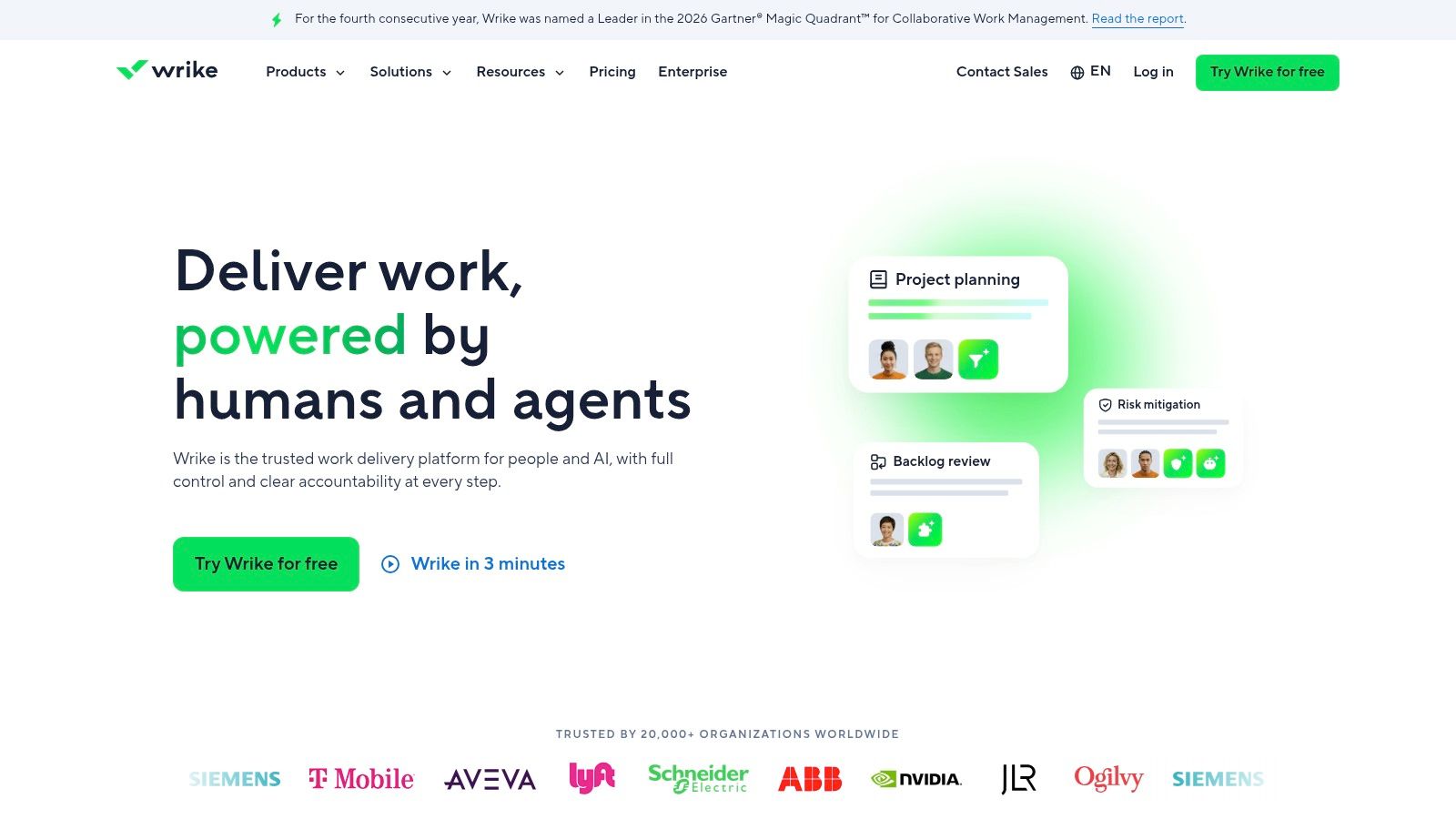
Wrike is aimed at teams that need structured workflows and oversight across projects or departments. Custom fields, statuses, and workflows can accommodate different ways of handling marketing, creative, or professional-services work. Higher tiers add access controls and specialized capabilities, while storage allowances vary by plan.
This kind of flexibility needs ownership. Establish which fields are required, who can change workflows, and how teams should report status. If each department configures its own process without shared conventions, portfolio views become harder to interpret. Wrike can support structured work, but it isn't automatically a lightweight task list.
Check the plan details carefully before committing. Some advanced features are limited to upper tiers or sold as add-ons, and several plans have minimum user requirements. That means a small team may pay for more seats than it needs, while a larger team may need a higher plan to get the controls or capabilities it expects. Wrike's per-user pricing also makes the cost sensitive to headcount.
Choose Wrike when the workflow requires more oversight than a basic board can provide and someone can manage the configuration. If the goal is to assign tasks and track due dates, the setup and plan structure may be more than the team needs.
9. Smartsheet
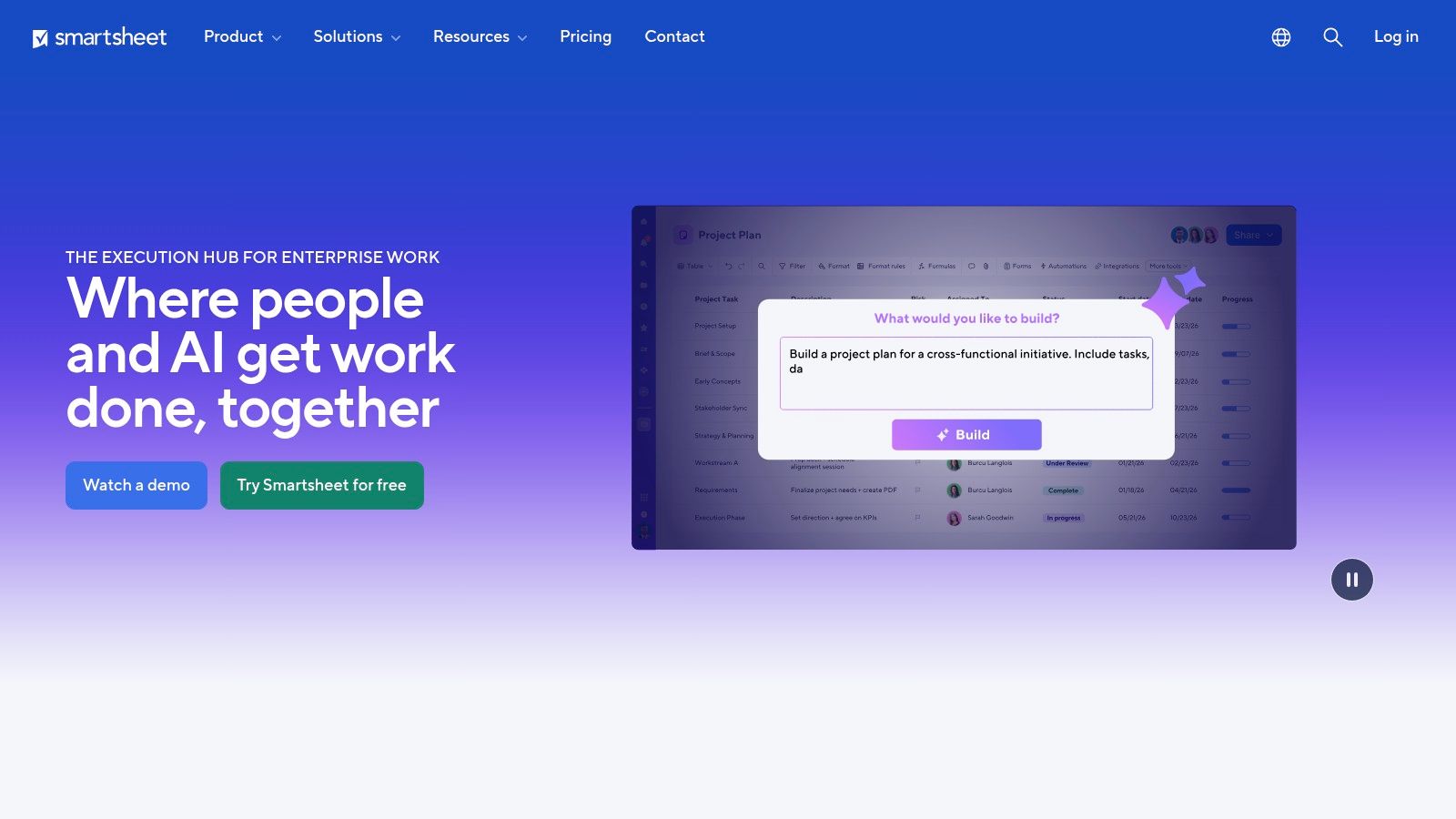
The State of Project Management 2025 report summarized by Proteus says 21% of project teams still relied on spreadsheets in 2024. Smartsheet serves that habit directly: rows, columns, and formulas feel familiar, while Grid, Gantt, calendar, board, and timeline views present the same data in different ways. Forms, dashboards, and reports collect and summarize updates, which suits organizations that want formal portfolio oversight.
Familiarity does not remove design work. Decide which columns are authoritative, who can edit formulas, and how the team prevents duplicate or stale records. A sheet that starts simple can grow into something only its creator understands. Teams looking for chat-centered collaboration may prefer a different model.
The pricing lens matters here. Smartsheet bills per member, so each new editor raises the monthly cost, but the Business plan includes unlimited free guests and contributors. That distinction lets external people participate without each one becoming a paid seat. Check which roles a plan counts as paid, especially when workload tracking and portfolio features sit at higher tiers. The right comparison separates people who build sheets from people who only review them.
Choose Smartsheet when your team thinks in grids and needs reporting structure more than built-in conversation. If scheduling is the core need rather than tabular planning, weigh it against free project management scheduling software before committing to per-member billing.
10. Basecamp
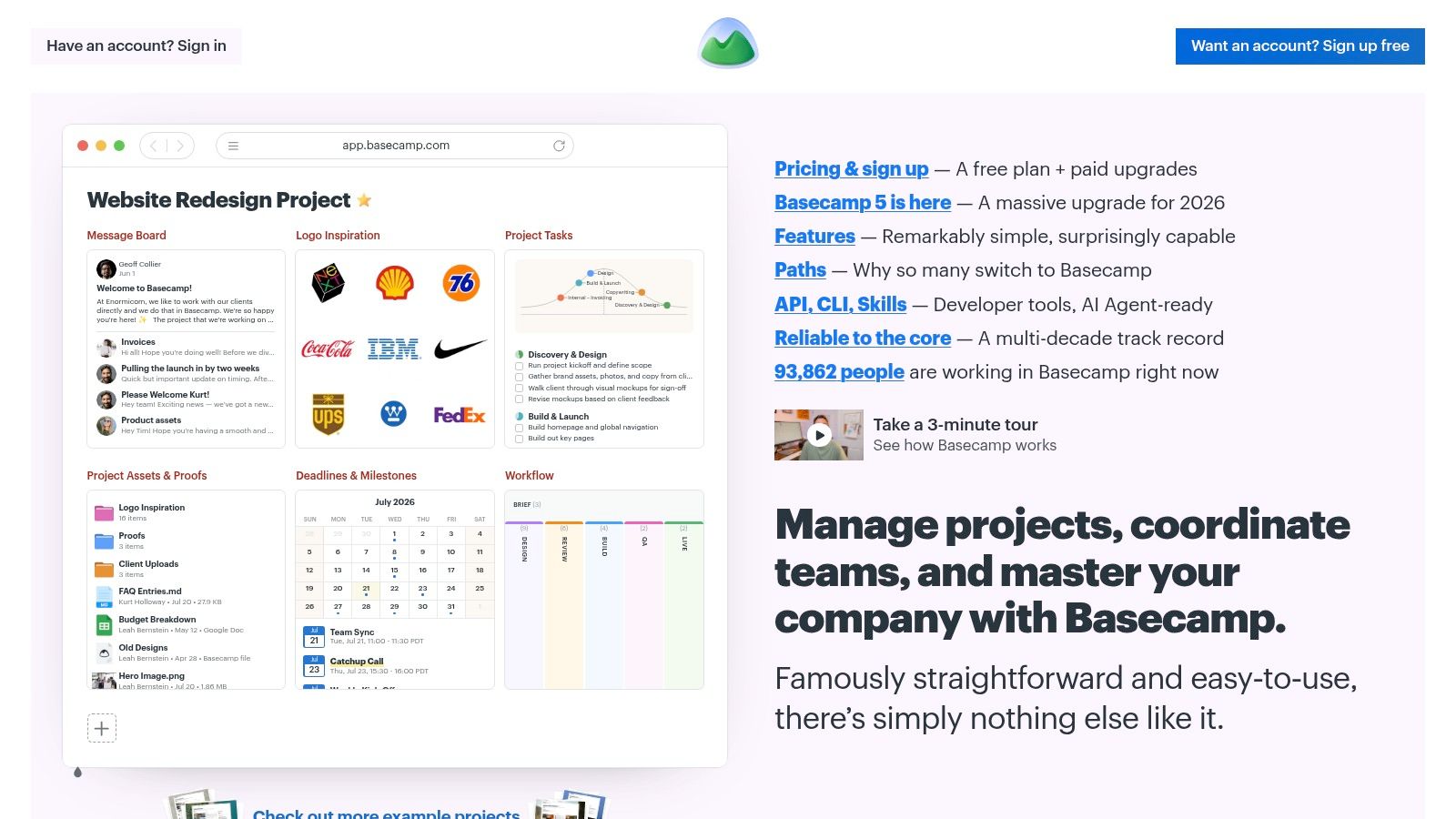
Basecamp organizes communication and collaboration into shared project spaces. Its approach is straightforward: keep project conversations and materials together, without expecting every team to build a heavily customized workflow. That can make it easier to bring clients and contractors into a project without teaching them a complicated system.
The main pricing distinction is its fixed-price Pro Unlimited package, which allows unlimited users and projects. For a team that regularly involves external collaborators, a workspace-level price can be easier to forecast than adding a charge for each person. Compare the package limits, including storage and project allowances, before assuming that every plan offers the same capacity.
The lower-priced packages have project and storage limits, and the tool may not meet teams' needs for advanced resource planning or detailed time-and-budget controls. Those gaps matter for agencies that need to connect hours to budgets, or for teams coordinating complex work with dependencies. Basecamp's simplicity works best when communication and basic task coordination matter more than deep planning.
A fixed price can make broad participation easier to budget, but it won't replace resource or financial features your workflow depends on.
Consider Basecamp when predictable collaboration costs and a simple project space outweigh the need for advanced reporting. If you're comparing flat workspace pricing with per-seat billing, include clients and occasional contributors in the headcount model, then check whether the plan's capacity covers the files and projects you expect to manage.
10 Project Manager Apps at a Glance
Read the pricing column first. Per-seat tools can look inexpensive with five people, then climb as contractors, clients and approvers join; flat or fixed packages trade granular seat billing for a ceiling you can forecast.
| App | Pricing model | Best for | Standout strength |
|---|---|---|---|
| Tuff | Flat workspace subscription | Teams wanting projects, chat, docs and time tracking in one workspace | Unlimited projects and tasks, Slack and GitHub integrations, AI agents on paid plans |
| Asana | Per-user subscriptions | Teams coordinating structured projects and tasks | List, board, and timeline views |
| monday.com | Per-seat pricing; minimums may apply | Teams building customizable workflows | Flexible boards, fields, and visual views |
| ClickUp | Per-user pricing | Teams consolidating project and collaboration tools | Broad feature set across tasks, docs, chat, and time tracking |
| Jira | User-based billing | Software teams managing agile delivery | Scrum and Kanban workflows with issue tracking |
| Teamwork.com | Paid seats for standard users | Agencies and professional-services teams | Connects client projects, billable time, and budgets |
| Trello | Per-user pricing on paid plans | Small teams tracking straightforward workflows | Simple, visual boards and cards |
| Wrike | Plan-based; details vary | Teams needing structured workflows and portfolio oversight | Customizable workflows and project portfolios |
| Smartsheet | Member-based pricing | Teams comfortable with spreadsheet-style project planning | Familiar grid structure plus multiple project views |
| Basecamp | Fixed-price packages; Pro Unlimited has no per-user fee | Larger teams seeking predictable project coordination costs | Unlimited users and projects on Pro Unlimited |
The free entry points stated here are narrow: Tuff Duo covers two people and 250 MB of files, ClickUp lists unlimited tasks and members, Jira reaches up to 10 users, Teamwork.com allows five users and five projects, and Trello permits up to 10 collaborators per workspace. For the other tools, model the first paid tier unless a current trial changes the short-term test.
How to Choose, and What Your Bill Will Look Like Next Year
Start with the kind of work your team delivers. Developers managing backlogs and issue workflows should shortlist Jira. Agencies that need client-oriented delivery and billable time should look at Teamwork.com. Spreadsheet-native teams may prefer Smartsheet, particularly when their project plans depend on structured rows, formulas, and reports. Teams focused on predictable costs can compare Tuff's workspace plans with Basecamp's Pro Unlimited package, while checking each plan's capacity and feature limits.
Then test how well a tool handles the work that tends to slip through the cracks. Put a real client project, launch, or sprint into the trial. Add the people who will participate, including a manager, a contractor, and a client contact if they need access. Track a decision in a conversation, turn it into an assigned task, attach the supporting file, and check whether the project lead can see progress without chasing updates.
Run the pilot for two weeks. Don't judge it by how quickly an administrator can build a polished workspace. Ask whether the team can find current project context, update tasks without prompting, and understand who owns the next step. For tools with extensive customization, keep the initial setup deliberately small. A system that requires constant explanation is unlikely to become a dependable source of project status.
Before you commit: Project the per-seat bill using the headcount you expect next year, including occasional collaborators who need access.
For a user-based plan, estimate the next year's cost with the people who will need paid access, not just today's core team. Check minimum seat requirements, upgrade thresholds, and whether guests or contributors are billed differently. For a flat workspace plan, compare the workspace's people and storage allowances against the projects you expect to keep active. A flat fee is predictable only if the team stays within those limits.
The right app isn't necessarily the one with the most features or the lowest starting price. It's the one your team can use consistently, with a pricing model that still makes sense when participation expands. Choose the tool that keeps work visible, gives people the context they need, and avoids charging for capacity you don't need or hiding the features your process depends on.
Tuff brings tasks, chat, documents, files, announcements, time tracking, and paid-plan AI agents into shared workspaces, with workspace pricing rather than a separate charge for each person. If you're comparing project tools by how their costs change as your team grows, visit Tuff to review its plans and see whether the workspace model fits your projects.