7 Project Management Tools and Techniques: A 2026 Guide
Compare seven project management tools and techniques for planning, coordination, and tracking, from ClickUp and Asana to Tuff's flat-rate workspace pricing.
On a Monday morning, the account lead forwards a message. The client has moved the launch two weeks. The approved brief sits in a shared drive, the new date lives in a chat thread only half the team can see, and the task that depends on both still shows the old deadline in a third app.
Nobody made a bad decision. Three good decisions landed in three places, and the plan gradually stopped being true.
This guide looks at seven tools you'll meet in 2026 and judges each by the coordination problem it solves: scattered project information, per-seat costs that climb with every client login, chat that never becomes tracked work, and the cost of switching platforms. Project management tools and techniques differ less in their feature lists than in where they put information. Each entry ends with two tests, use it when and skip it when, so you can match a tool to your team's real problem.
1. Tuff
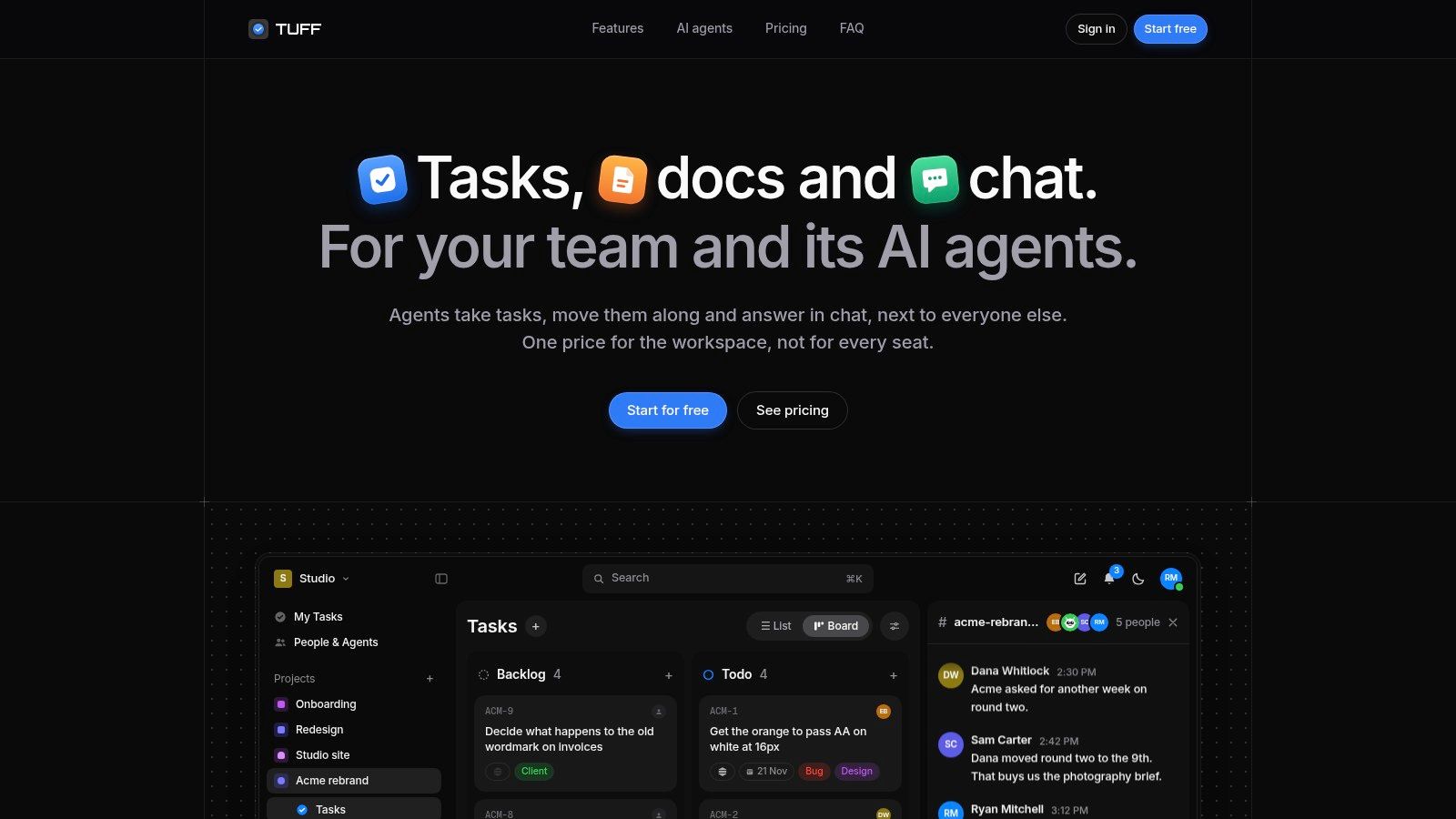
Tuff puts projects, tasks, chat, documents, files, announcements, and time tracking in one workspace, with each project organised around a client, a launch, or a sprint. The coordination problem it solves is the handoff. Every project carries its own chat channel, a message can mention a task without breaking the thread, and that same message can be turned into a task. A decision raised in chat stays attached to the work it affects.
The Price Is Per Workspace, Not Per Person
Tuff charges the workspace rather than the seat. Duo is free for two people with 250 MB of storage, Team runs $25 a month for ten people and 25 GB, Company is $99 a month for 100 people and 100 GB, and Unlimited is $299 a month for unlimited people and 1 TB.
Every plan includes every feature except AI agents, which sit on paid plans only. Add five client logins to a per-seat tool and the bill climbs. Here it stays put until you pass a people or storage cap, and changing plans is required only when you do. For a team of 50 on Slack Pro and Asana Starter, Tuff prices the Company plan at $12,156 a year less than that setup.
Paid workspaces connect agents such as ChatGPT, Claude, and Claude Code through MCP. An agent reads and writes as the user who authorised it, can't delete content, and has its actions attributed in the activity feed. That split will matter more each quarter: PMI's 2024 survey of 500 project professionals across 18 industries and 12 countries found the share using generative AI on more than half their projects rose from 20% to 37%, an 86% increase (PMI's generative AI adoption report).
Practical rule: Judge an agent by what it's allowed to change, not by how well it writes. An agent that updates a task under your identity, with the trail visible to the team, is useful. One that can quietly restructure a project is a liability.
Use it when you run client work with a mix of staff and occasional collaborators, and you're tired of buying seats for people who log in twice a week. Slack exports arrive with threads, names, and files intact, and GitHub issues sync in both directions, so switching doesn't strand history. Mobile access runs through the browser with home-screen installation and optional notifications.
Skip it when your team needs a native app rather than a browser and home-screen install, or you want AI agents on a free plan.
2. ClickUp
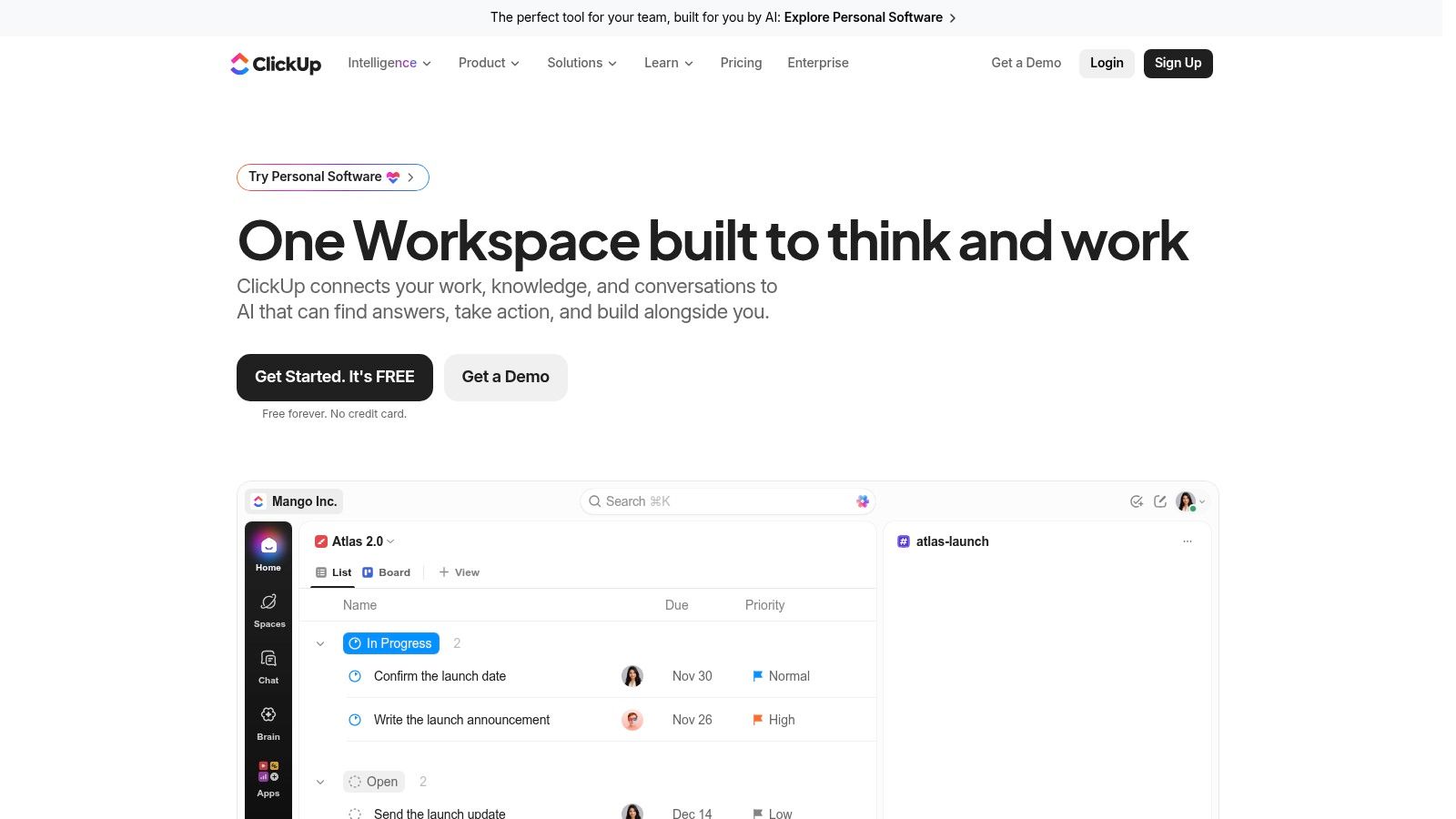
ClickUp sells consolidation, and it delivers on breadth: tasks, docs, chat, goals, dashboards, and native time tracking in one configurable workspace, with list, board, calendar, and Gantt views on top. A free plan exists for small teams, and paid plans start at $7 per user per month billed annually.
Where Configuration Helps and Where It Costs You
Flexibility is the product and the cost. Custom fields, forms, and automations let an agency shape one workspace around five different client retainers. They also let a team spend three weeks building a system nobody maintains. Buying software isn't the same as fixing process. Businessmap's 2026 project management software trends reports that 44% of organisations remain dissatisfied with their project-management maturity even as AI becomes a leading trigger for buying project software, cited by 55% of buyers, and only 21% of organisations using generative AI have significantly redesigned their workflows.
The bill is the second constraint. Most paid plans charge per user, so a five-person team with fifteen client guests gets expensive quickly. Comparing a seat price to a flat workspace fee isn't straightforward, which is why it pays to understand how project management software pricing models differ before signing an annual contract.
Use it when your team runs several kinds of work at once and wants one system for all of them. Skip it when you need something people can use on day one without a build project.
3. Asana
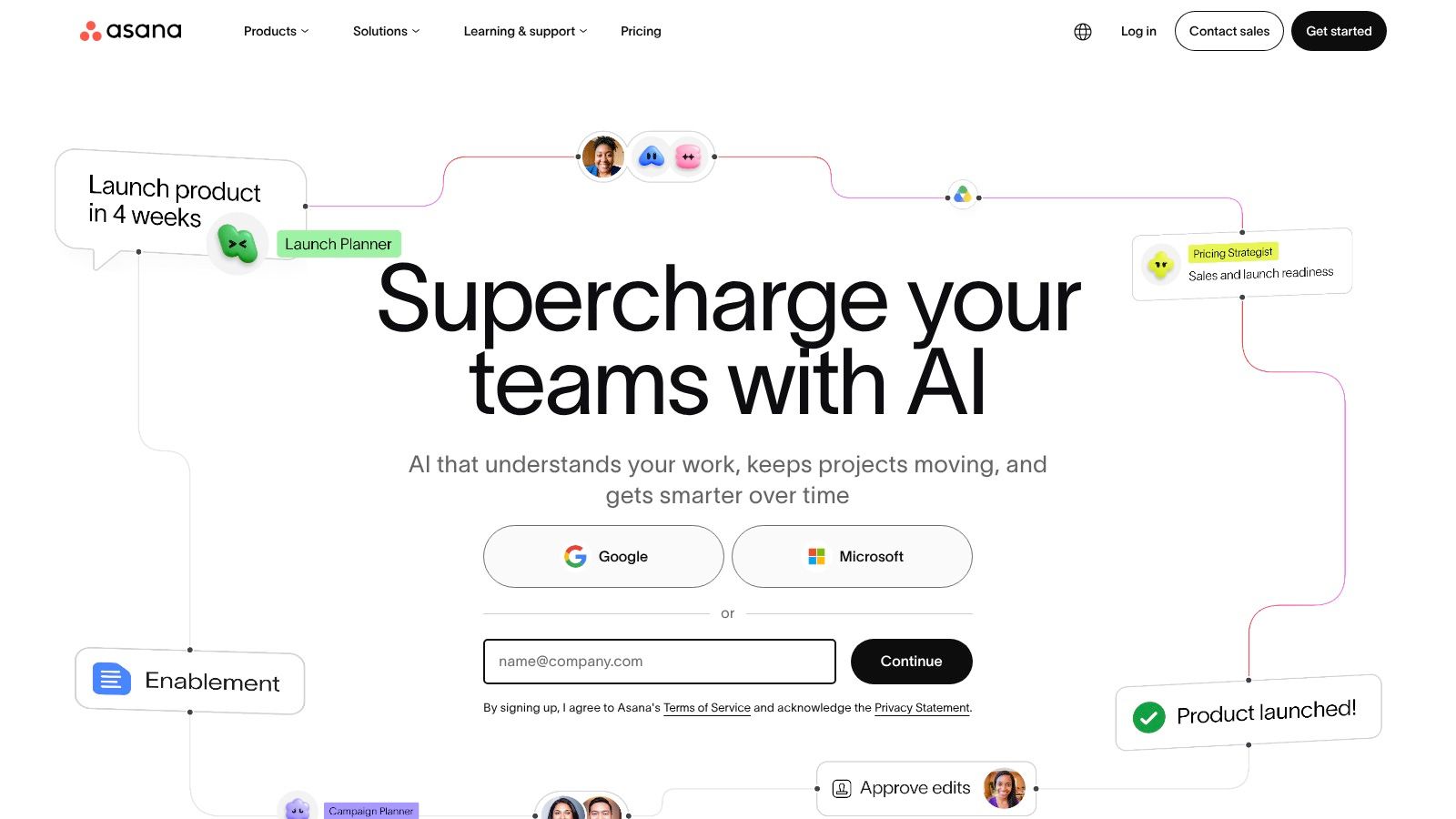
Asana is built on accountability: every task has an owner and a date, dependencies show what can't start yet, and the timeline reveals the chain that pushes delivery. Personal is free for up to two users, and paid plans start at $10.99 per user per month billed annually.
Dependencies Are the Point
Scheduling has a longer history than most software marketing admits. An overview of project scheduling history traces it from Henry Gantt's bar chart of roughly 1910 to 1915 through the U.S. Navy's PERT work on the Polaris programme and DuPont's Critical Path Method for plant maintenance, both in the 1950s. The lesson that carried forward is the one Asana encodes: a schedule has to show timing, dependencies, uncertainty, and the activities that control the finish date.
That makes Asana strongest where sequence matters, and weakest as a dumping ground for everything.
- Client access: Starter includes unlimited free guest seats, which suits agencies that need clients to follow progress without buying them a licence.
- Views: List, board, calendar, timeline, and Gantt-style views cover most planning styles.
- Cost risk: Per-user pricing adds up fast with many collaborators, and capabilities such as time tracking sit on higher tiers.
Use it when work has clear owners and real dependencies, and you need to show a client how the dates hang together. Skip it when you want chat, documents, and hour logging included in the same subscription.
4. monday.com Work Management
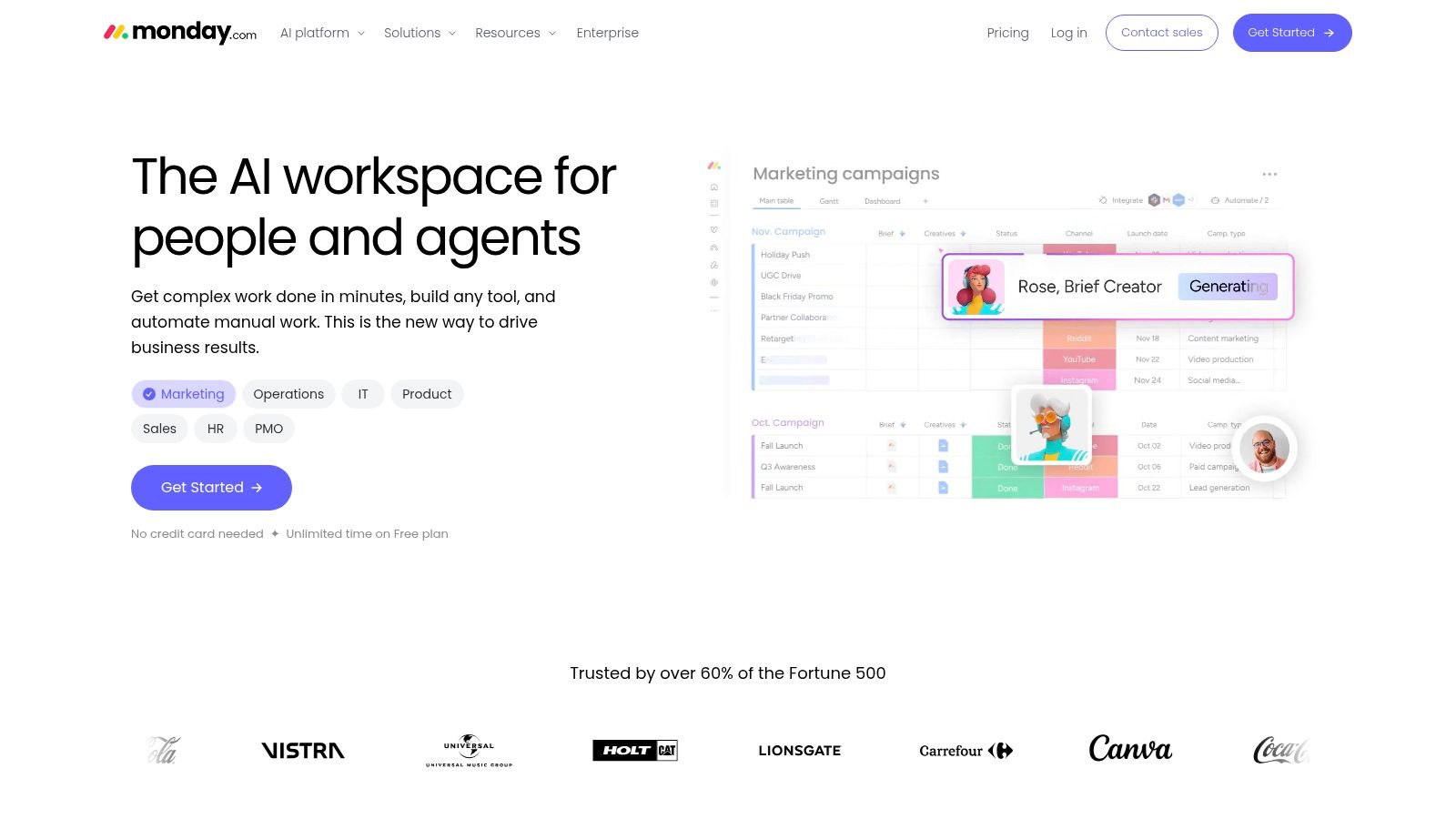
monday.com starts with a board you bend into shape. Column types, templates, and automations let a studio model creative production, a client request queue, and a campaign calendar without switching product. A free plan supports up to two seats, and paid plans add views, automations, integrations, and AI features.
Boards That Bend to Your Process
The strength is legibility. Anyone can open a board and see status and ownership without a tour. The weakness is the same customisation: structure drifts, and someone has to own the taxonomy or you end up with six versions of "in review".
Vendor AI claims deserve the same scrutiny. PMI's global study of 500 project professionals found 93% of heavy generative-AI adopters reported improved productivity against 58% of light adopters, and 83% reported better collaboration against 32% (PMI's AI adoption findings). Those are self-reported comparisons between groups, not proof of cause, and AI features here vary by plan.
Practical test: Sketch the four or five statuses your work actually passes through before you build a board. If you can't name them, the tool isn't the bottleneck.
If you want a starting shape for reporting rather than a blank canvas, a sample project dashboard gets you there faster.
Use it when several departments need one visual language for status, and templates save you from designing from scratch. Skip it when you want the tool to enforce a single workflow instead of offering options.
5. Basecamp
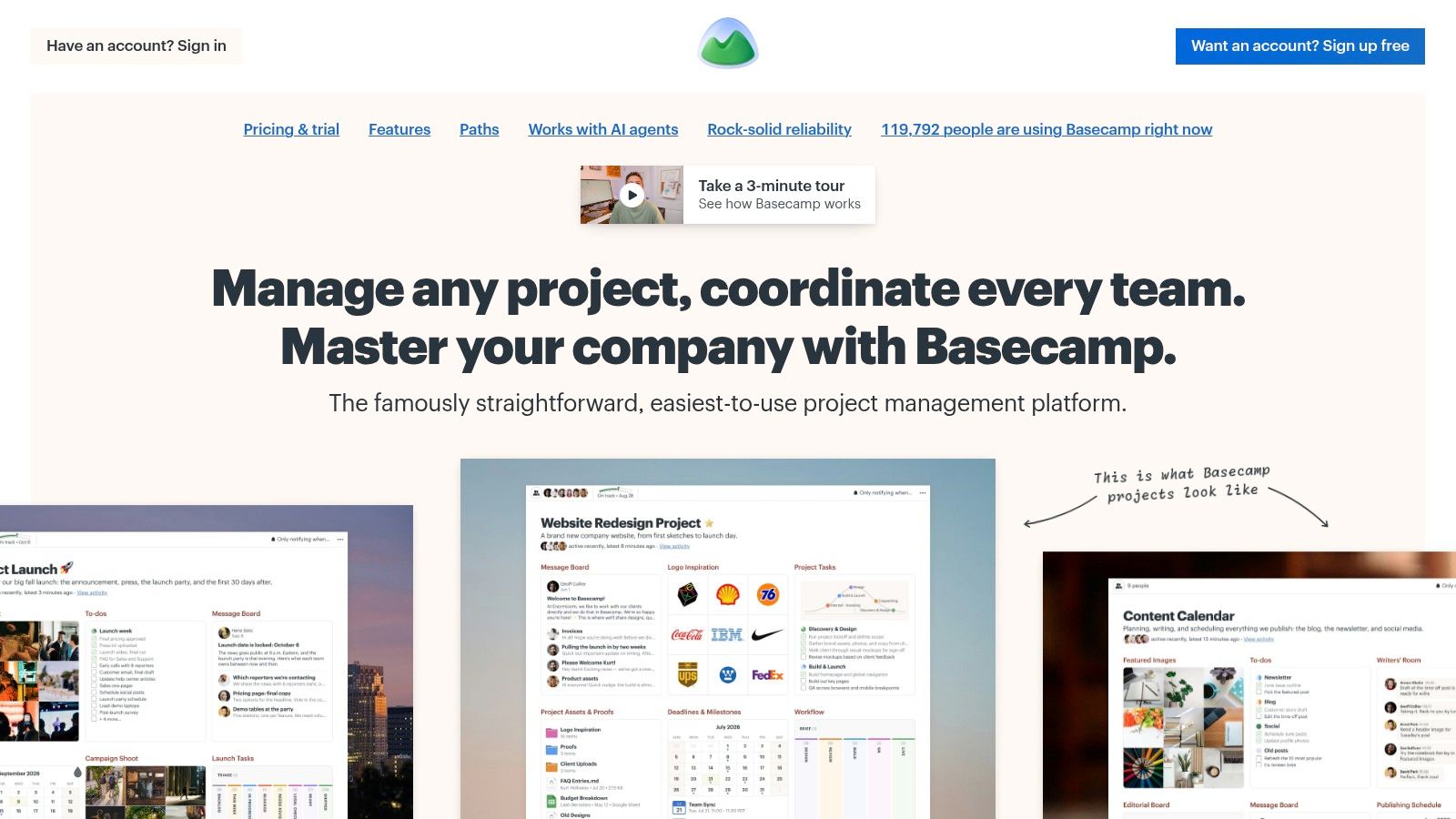
A client who refuses to learn your project tool still has to see the work. Basecamp is built for that situation. It treats most coordination problems as communication problems and puts to-dos, messages, schedules, files, and chat inside one project space, on paid plans aimed at teams of different sizes.
Simplicity Is a Delivery Tactic
A tool nobody keeps updated costs more than a tool with fewer features. A simpler surface lowers that risk.
Simplicity doesn't remove the delivery problem, though. Projects still miss their goals for reasons no feature set fixes: scope nobody agreed on, decisions that stall in a thread, owners who were never named. Clear goals, named owners, and fast decisions close that gap. A cleaner interface only makes them easier to keep.
Basecamp earns its place with people who don't live in project software: clients, freelancers, and stakeholders who need one login and no training.
- Strengths: Project templates standardise repeatable work, and message boards keep decisions findable months later.
- Limits: Workflow, reporting, and customisation are thinner than configurable platforms offer.
- Watch for: Time tracking isn't in every paid package.
Use it when clarity matters more than configurability and clients need to walk in without a demo. Skip it when you need resource capacity planning or detailed portfolio reporting.
6. Trello
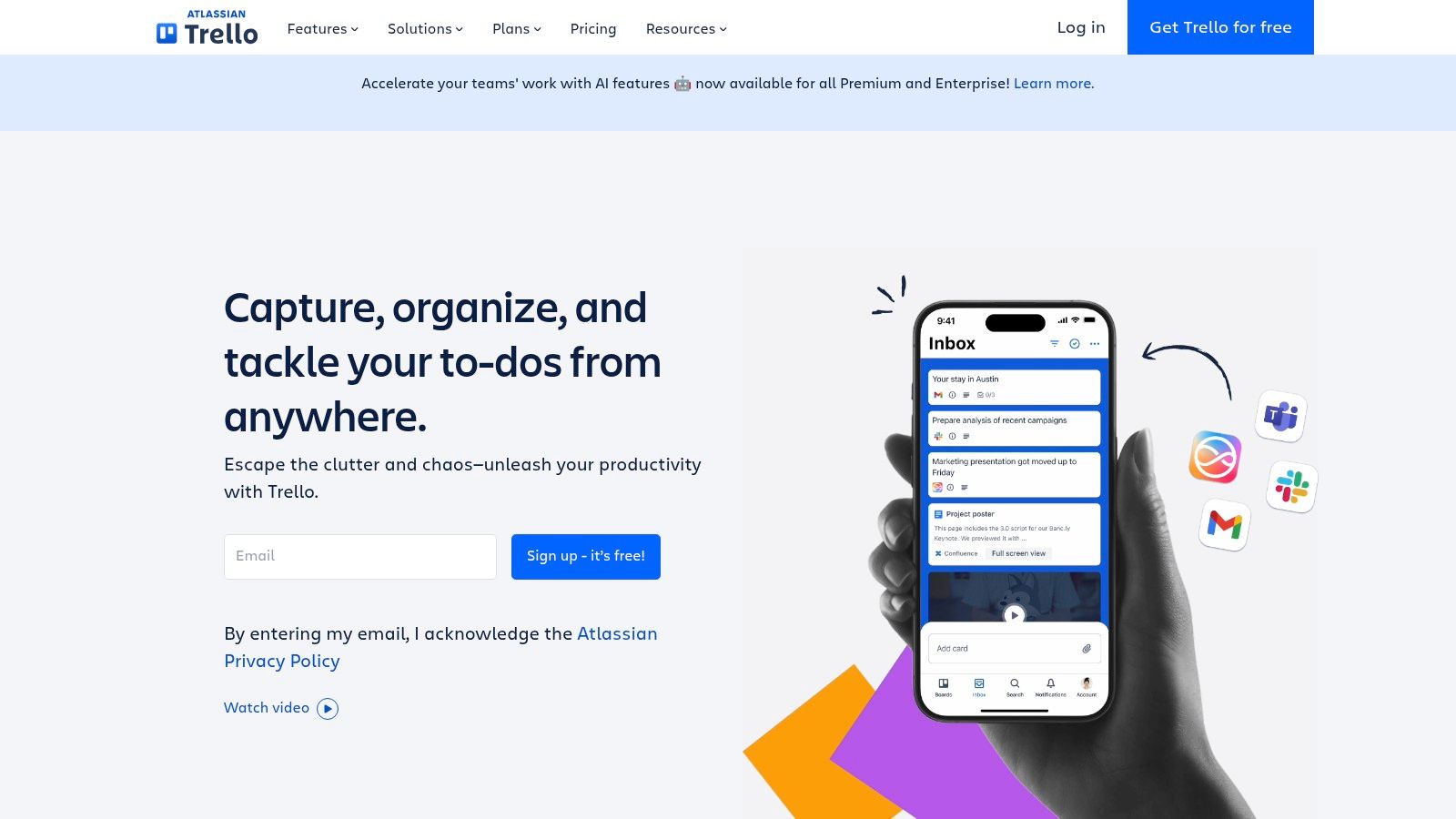
Trello is the tool people adopt without a training session. Boards, lists, and cards carry assignees, due dates, comments and activity history, and the free plan supports up to 10 collaborators per workspace. Paid tiers add custom fields, calendar and timeline views, and tighter administration.
The Fastest Way to See Work Move
Kanban earns its keep when the column itself is the status. A card sitting in Doing says more than a half-filled form. That is enough for a content calendar, a hiring pipeline, or a studio production queue. It weakens when delivery depends on sequence: which card blocks which, how three boards roll into one date, or whether the same person is named on six cards due Friday. Dependencies and portfolio reporting are not the format's strength, free workspaces limit board count, and file-size caps apply.
Card detail should answer three questions without a meeting: what done looks like, who owns it, and when it is due. If the work starts as a document, an example of a project plan is a useful check for which lines become cards and which stay as supporting detail. Anything longer belongs in the description or an attachment, not in the card title.
If your team argues about what "in progress" means, Trello settles it in an afternoon. If your team argues about dates, you need a different tool.
Use it when work moves through a handful of visible stages and speed of adoption decides whether the tool survives. Skip it when your schedule depends on linked tasks, shared capacity, or reporting across projects.
7. Wrike
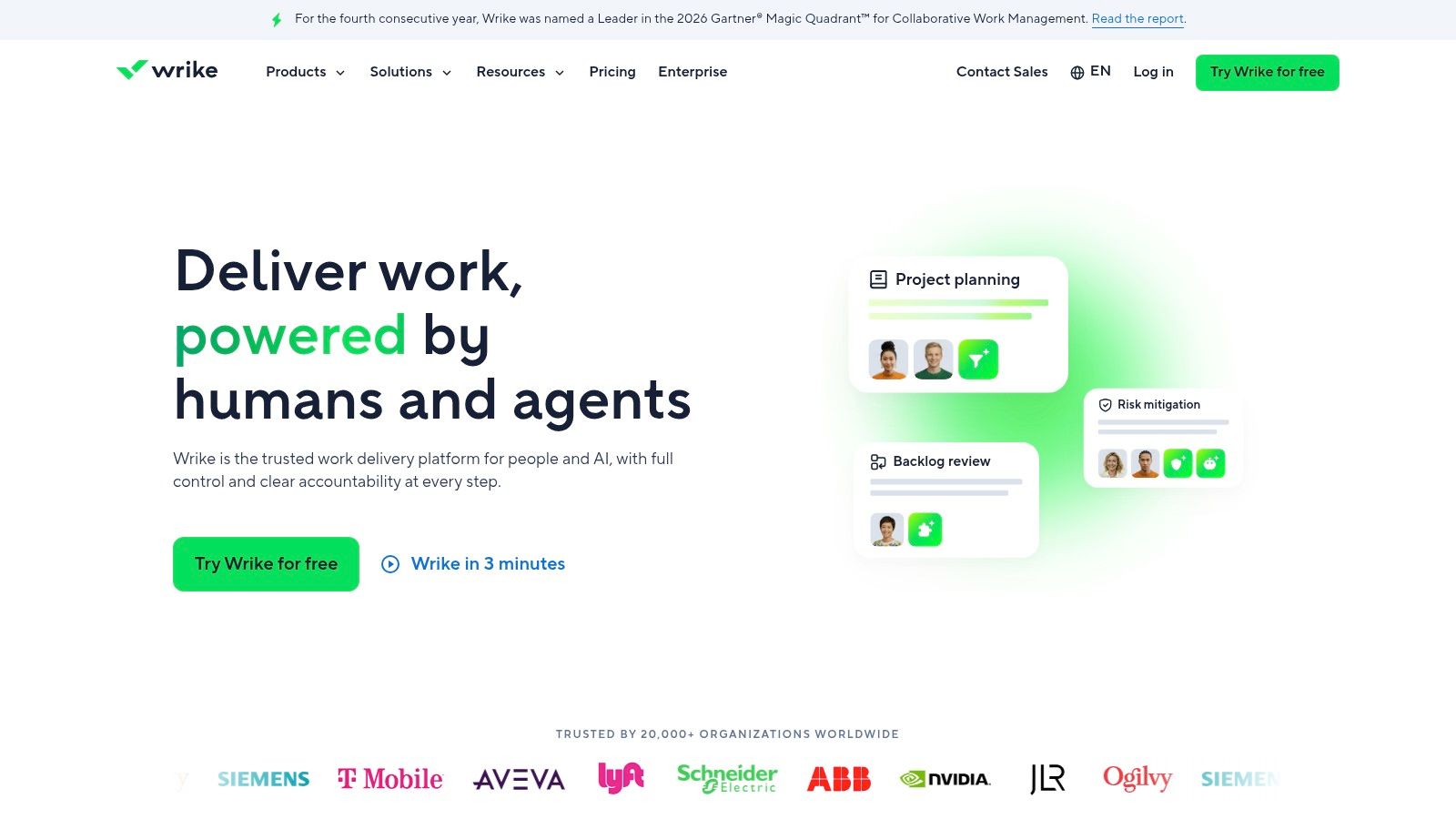
Wrike suits the team that has outgrown a single board. Request forms standardise how work enters the pipeline, dashboards and automations handle reporting, and capacity planning shows who's overloaded before a deadline slips. There's a free plan and a two-week trial, with Team at $10 and Business at $25 per user per month.
Built for Request Intake and Capacity
The feature that earns Wrike its place is intake. A form with required fields, routing, and a named owner stops work arriving as a direct message nobody records. The cost is a complicated buying process: licence types, add-ons, and seat bundles make two quotes hard to compare, and advanced capability sits above the base plan.
- Start with intake: Build one request form for the work that most often arrives unstructured, then route it to a person rather than a queue.
- Check the bundle: Confirm whether seats are sold individually or in blocks before you forecast a year of cost.
- Limit the pilot: Run one workflow for a month before switching on capacity planning across the studio.
Use it when you coordinate several workflows and stakeholders, and you need approvals plus visibility into who has room for more. Skip it when your team is small enough that a board and a chat channel already cover the work.
Free options, starting paid prices, and best-fit teams for each tool
Each tool below prices adoption two ways: a free tier for a pilot and a starting paid price for the day the pilot works. The third column carries the cost question. A per-user price grows with every hire, while a workspace price only moves when the team outgrows its limits.
| Item | Free option | Starting paid price | Best for |
|---|---|---|---|
| Tuff | Free for 2 people, with 250 MB storage | $25/month, flat for the workspace | Teams wanting tasks, chat, docs and time tracking under one flat price |
| ClickUp | Free plan with unlimited tasks and members, subject to storage limits | $7/user/month, billed annually | Teams needing configurable project and collaboration tools |
| Asana | Free for up to 2 users | $10.99/user/month, billed annually | Teams that need clear task ownership, deadlines, and coordination |
| monday.com Work Management | Free for up to 2 seats | Priced per seat | Teams managing visual, customizable workflows |
| Basecamp | No free plan | $29/month | Client projects and teams wanting simple, project-based communication |
| Trello | Free for up to 10 collaborators per workspace | Priced per collaborator | Teams wanting straightforward Kanban-style project tracking |
| Wrike | Free plan and a two-week trial | $10/user/month | Teams coordinating multiple workflows, resources, and stakeholders |
Flat or per seat changes the math more than the sticker number. Tuff's Company plan at $99 a month covers 100 people, and for a team of 50 it saves $12,156 a year against a Slack Pro and Asana Starter setup. Per-seat tools stay cheap at five people and get expensive fast.
Read the free column as a test of adoption, not scale. A tier capped at two seats or a few hundred megabytes tells you whether the team will use the tool. It says nothing about what it costs at fifty.
Match the Tool to Your Coordination Problem Before You Buy
Name the problem in one sentence before you open a pricing page. Scattered files is a different problem from rising per-seat costs, and both differ from chat that never becomes tracked work. A tool chosen to fix the wrong one just adds a subscription.
Then pilot. Put your top two candidates on one live project for two weeks, not a sandbox, and count how often someone asks where a decision or a file lives. Track overdue tasks and whether hours get logged without a reminder. Choose the tool that reduces those questions at a cost you can predict as the team grows.
Weigh switching cost carefully. Exporting a task list is easy. Exporting years of conversation, attachments, and the reasoning behind decisions is not. If a move is likely within a year, prefer a platform whose import keeps threads and files, and test the export before you need it.
The newest variable is agents. A 2026 state of project management survey reports that 88% of organisations use AI in at least one business function, while barriers to wider project-management adoption include insufficient understanding of benefits (32%), data-breach concerns (14%), and inadequate regulation (11%). The same survey cites a consulting forecast that more than 40% of agentic-AI projects could be canceled by 2027 where teams can't show value or set risk controls. Ask three questions of any vendor. What can an agent change without approval? Is its activity attributed to a named user? Can a bad write be rolled back?
Then decide, write the decision down, and give it an owner.
Tuff keeps a project's tasks, chat, documents, files, and time entries in one workspace, so the client message, the approved file, and the task that depends on both stop living in three places. Paid plans charge one workspace price instead of a fee per seat, and agents work under the authorising user's identity with their activity attributed in the feed. Visit Tuff to see which plan matches the number of people and the storage your team uses.