10 Remote Worker Solutions for Team Coordination in 2026
Compare 10 remote worker solutions for tasks, chat, and files, with pricing models, use cases, and limits to weigh before choosing a team tool.
Your remote team has its client briefs in one app, its decisions in a chat channel, and its final files in a shared drive nobody can find. A designer asks which feedback is final. The project manager pastes another link, while someone else starts work from an outdated attachment.
The problem isn't necessarily missing software. It's that tasks, conversations, and files don't share a dependable home. Adding another subscription can make that worse unless everyone knows where decisions belong and where to look for the next action.
That distinction matters for hybrid teams too. WTW's 2025 workplace survey found that 50% of employees work in hybrid arrangements, and 60% of organizations permitting hybrid work let employees choose their remote days. Your coordination system needs to work when colleagues aren't online together.
The remote worker solutions below suit different ways of working. Some keep project discussions beside tasks and documents. Others provide a communication layer that still needs a separate project system.
Judge the fit by what your team can stop doing: copying decisions between apps, chasing task owners, reconciling time logs, or paying for overlapping features. Then check whether adding collaborators increases the subscription, triggers a plan upgrade, or creates more administration.
1. Tuff
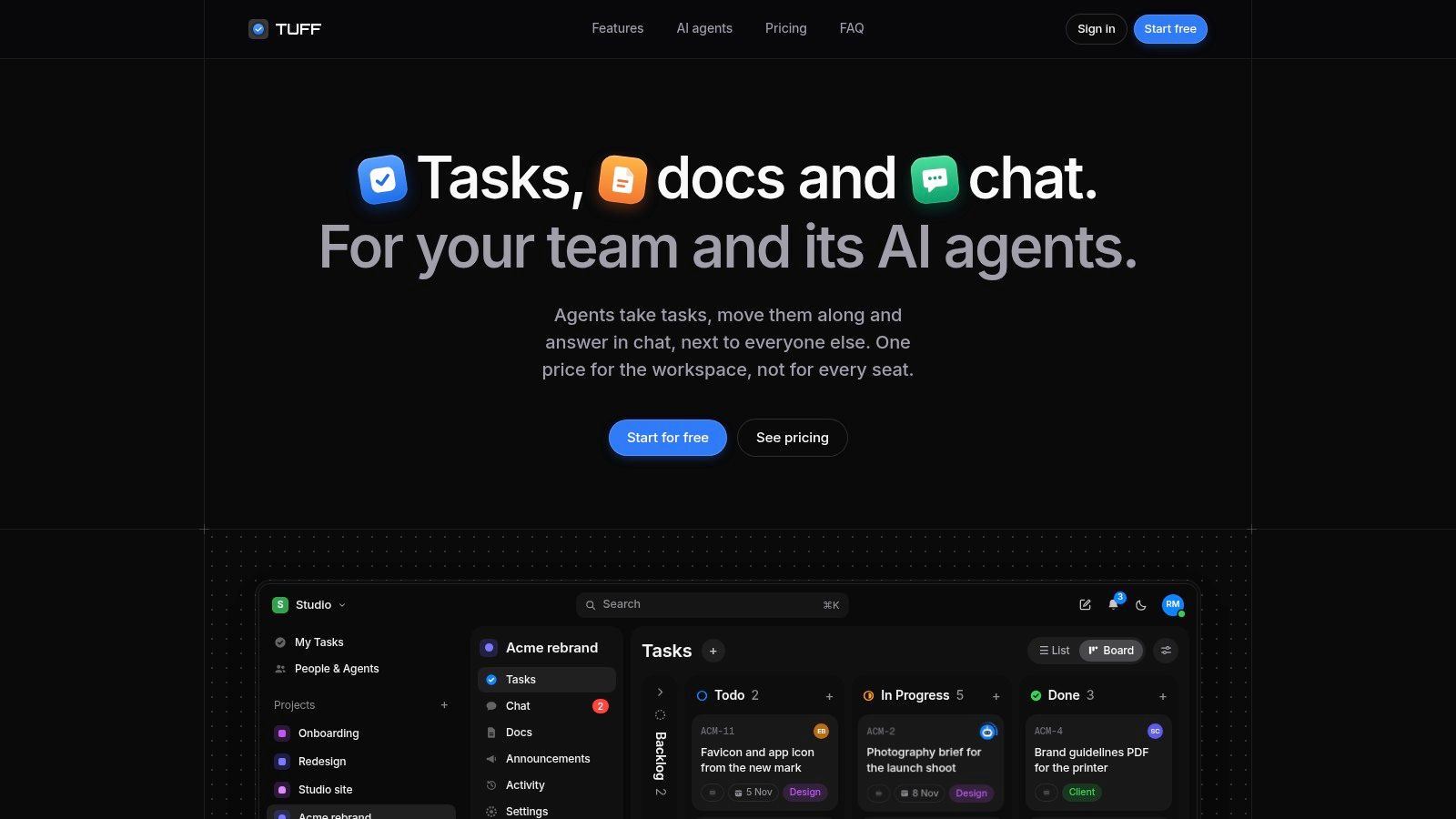
Tuff suits agencies and studios that want project work and project conversation together. Tasks, chat, documents, files, announcements, and time tracking live in shared workspaces. Messages can become tasks, so a request doesn't have to remain buried in a conversation.
Pricing applies to the workspace rather than individual seats. Team costs $25 monthly for up to 10 people and 25 GB; Company costs $99 monthly for up to 100 people and 100 GB. Both include AI agents, while the free Duo plan supports two people and 250 MB without agent connections. For a remote team that grows through contractors and freelancers, that model keeps the subscription predictable instead of adding a charge for every new collaborator.
Where consolidation helps, and where limits matter
Paid workspaces support MCP connections for ChatGPT, Claude, Claude Code, and other compatible agents. Agents act as the authorizing user, can read and update work, and cannot delete content. Their actions are identified in the activity feed.
That makes permission review part of setup, not an afterthought. Start with an active project, confirm ownership and file placement, and review agent changes before expanding the workflow.
- Useful connections: Slack imports preserve channels, threads, names, and files. GitHub issues and tasks can synchronize in both directions.
- Practical limits: People and storage allowances still matter. Exceeding them deletes nothing, but adding people or files stops until the owner upgrades or makes room.
- Mobile access: Tuff works in the browser on any phone and can be installed on the home screen, with notifications turned on when you choose.
Stated safeguards include database-level workspace separation, encrypted traffic, continuous backups, and optional two-factor sign-in. Those are specific controls, not a substitute for checking your client's security requirements.
Best fit: Teams replacing fragmented project coordination. The main setup work is deciding what to migrate and agreeing where future decisions belong.
2. Basecamp
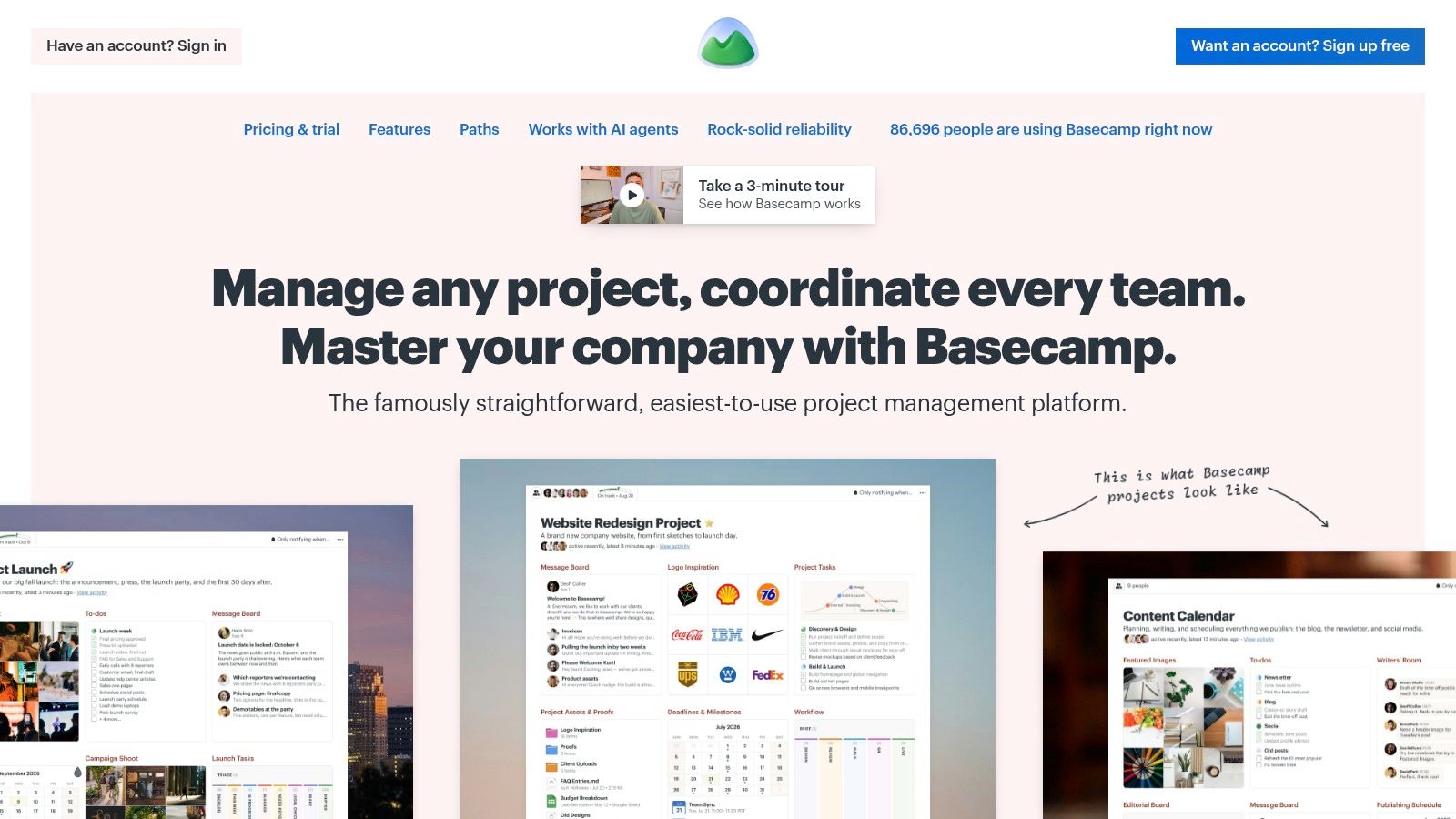
Choose Basecamp when you want a straightforward project home, not a workflow-building exercise. Discussions, to-dos, files, and other project resources sit together, which suits agencies whose main problem is scattered context.
The distinction between message boards and chat is useful. Put decisions and considered updates on the board; use chat for quick exchanges. Without that convention, people can still bury important approvals in fast-moving conversation.
A shared project space only works if the team knows which conversation counts as the final decision.
A simpler structure with plan-dependent extras
Basecamp's Pro Unlimited plan uses flat pricing rather than a per-user charge. Lower plans have project, user, or storage caps, so compare the actual plan you need rather than assuming every subscription has the same economics.
Time tracking is available on eligible plans. Connectors also support ChatGPT, Claude, and MCP-compatible agents, but confirm the access and workflow you intend to use before making them central to delivery.
What works: A project manager can establish a repeatable project structure without designing elaborate status logic. That makes Basecamp a sensible shortlist choice for teams that value clear communication over extensive customization.
Where it falls short: Teams needing highly customized workflows may find the structure restrictive. During a trial, test a messy revision cycle and client approval, not just a clean internal to-do list.
3. ClickUp
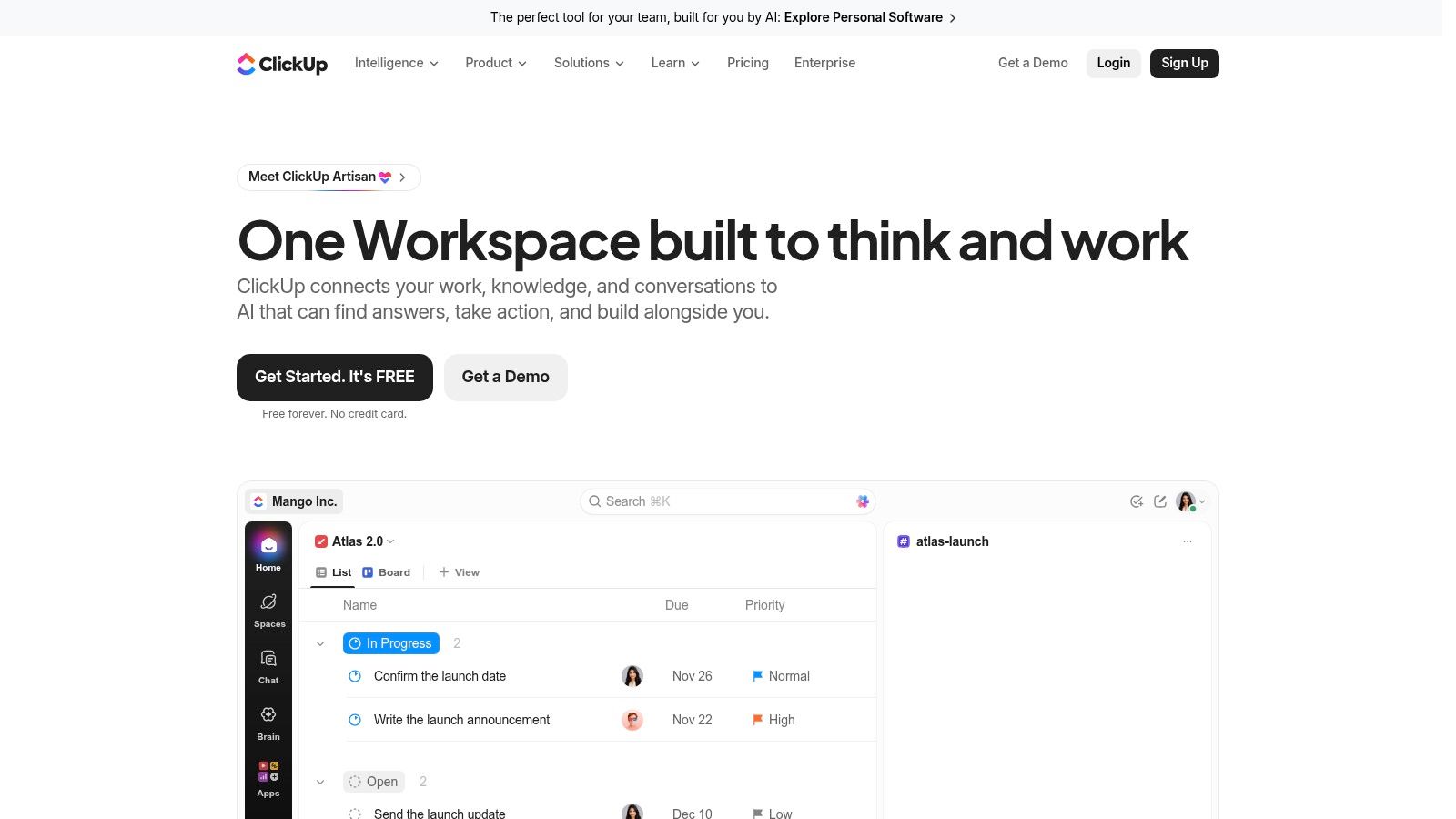
A studio wants boards for production, documents for briefs, and time records for delivery reviews. ClickUp brings those needs into a broad work-management platform, alongside chat, whiteboards, automation, and multiple views.
Its strength is breadth. Its setup cost is deciding how much of that breadth to use. If every project manager invents different statuses, fields, and folder structures, consolidation won't produce consistency.
- Where work lives: Tasks, docs, and chat can share the platform, with different views presenting the same underlying work.
- How costs scale: Paid plans charge per user. Feature availability and usage allowances also depend on the plan.
- What to configure first: Agree on statuses, ownership rules, project templates, and where people should record decisions.
The free feature set includes time tracking, but don't assume every timesheet or reporting requirement is covered. Test the exact reporting path your operations manager needs before committing.
ClickUp suits teams willing to appoint a workspace owner and maintain shared conventions. It's less appealing when everyone wants a lightweight tool with minimal configuration.
Use this guide to choosing a project manager app to separate delivery requirements from attractive extras. A feature only helps if someone knows when and how to use it.
4. Teamwork.com
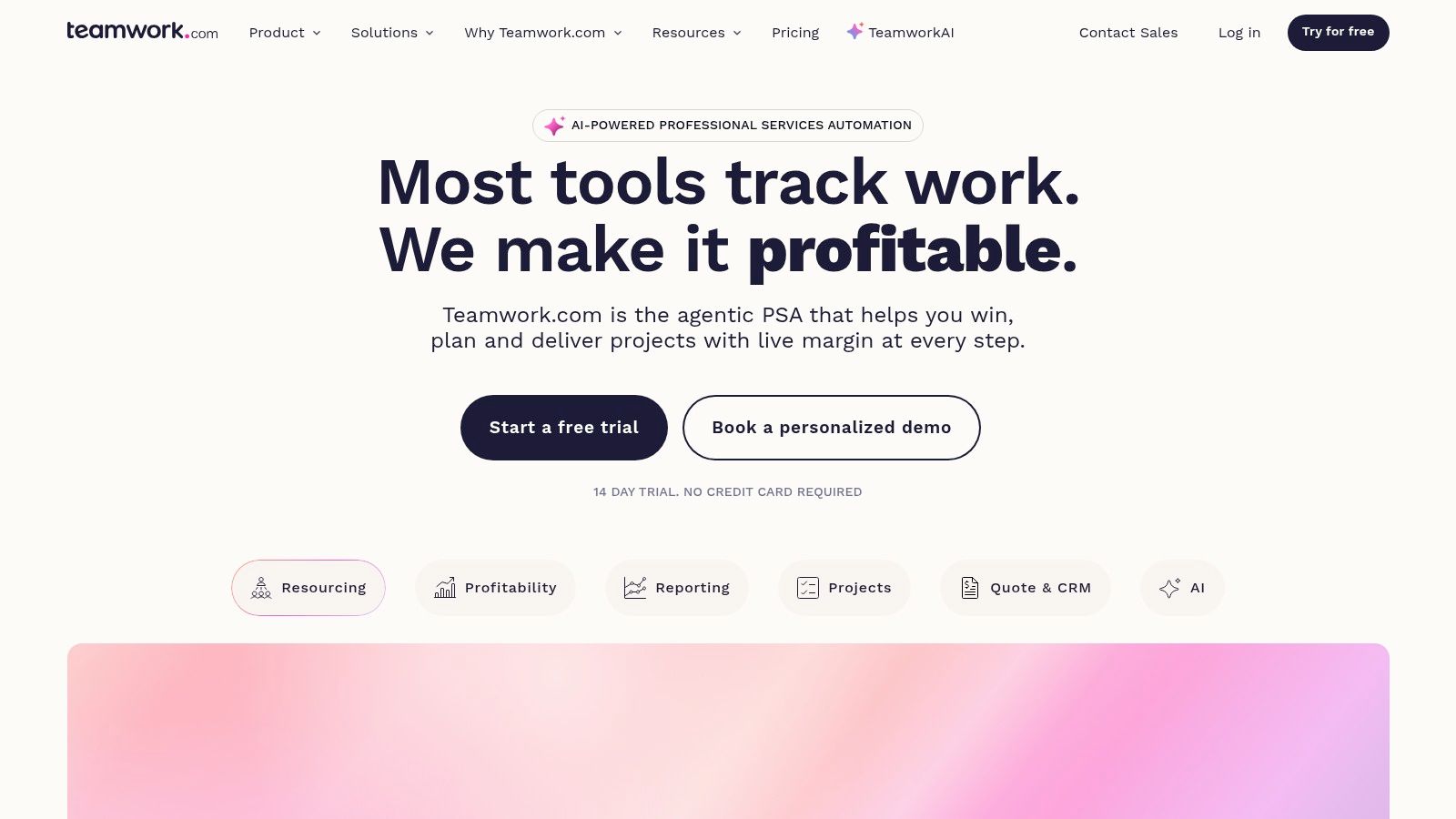
Billable client delivery changes the buying decision. An agency needs more than completed tasks. It needs to connect effort, client commitments, and project costs without rebuilding the story in a spreadsheet.
Teamwork.com is geared toward that operational model. Client-focused projects, templates, client access, and billable and non-billable time tracking make it relevant to agencies and professional-services businesses.
Start with the billing workflow
Create a representative client project during evaluation. Record internal work, revisions, and client-facing activity, then check whether the resulting time records support your review process.
Budgeting, invoicing, resource planning, and related capabilities depend on the plan. A subscription that covers task coordination may not cover the financial workflow you need.
- Cost advantage: Client users can participate without the same charge as standard paid users.
- Cost constraint: Standard users occupy paid seats, so adding internal contributors affects the subscription.
- Coordination trade-off: This is an operational project system, not primarily a lightweight chat workspace.
Teamwork.com is a strong candidate when account managers need to discuss delivery and time together. It's a less obvious fit for an internal team that doesn't bill clients and mainly wants conversations beside simple tasks.
Keep approvals attached to the relevant work. Client access doesn't help if final sign-off still arrives in an unrecorded private message.
5. monday.com Work Management
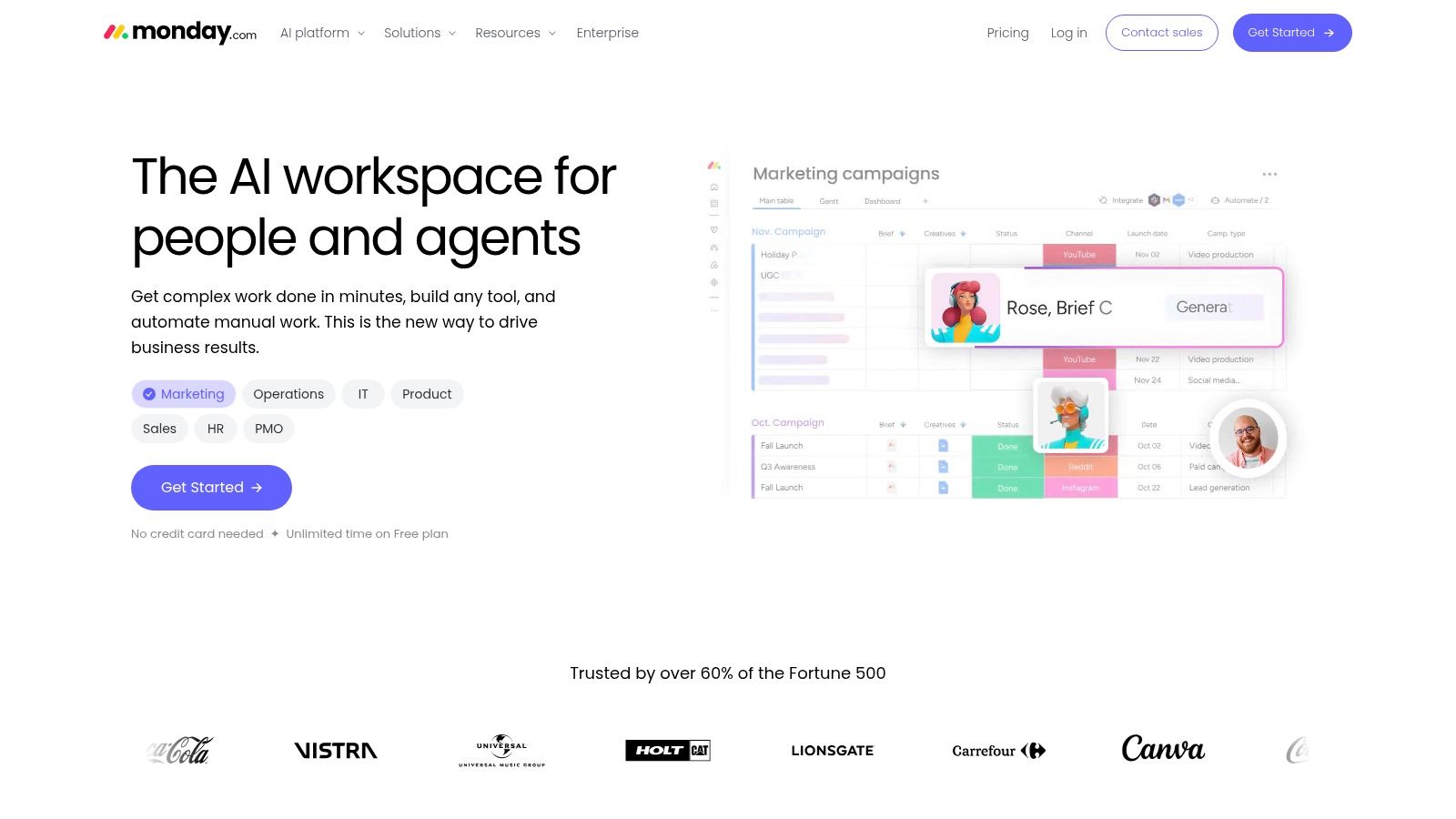
monday.com Work Management suits teams that think in visual boards and repeatable processes. A creative operations manager can organize intake, production, review, and delivery around configurable workflows rather than relying on a single generic task list.
Workdocs hold shared reference material, while dashboards, integrations, and automations support coordination. Timeline, Gantt, and calendar capabilities depend on the plan.
Configuration advice: Build the workflow around a real handoff. A polished board isn't useful if reviewers still can't tell what needs their approval.
Paid pricing scales by seat, and plan rules affect which views and capabilities you receive. Model the cost using everyone who needs working access, not just the managers building the boards.
The setup effort is substantial when teams need different workflows. Assign an owner to maintain templates and remove redundant fields; otherwise, contributors end up updating information nobody uses.
Where it falls short: Don't treat it as an automatic replacement for project chat and time tracking. Test those requirements independently, including whether another subscription remains necessary.
When comparing project management platforms, distinguish customization from consolidation. monday.com may organize your work well while leaving conversations and source files elsewhere. That's acceptable if the links, permissions, and ownership rules are dependable.
6. Zoho Projects
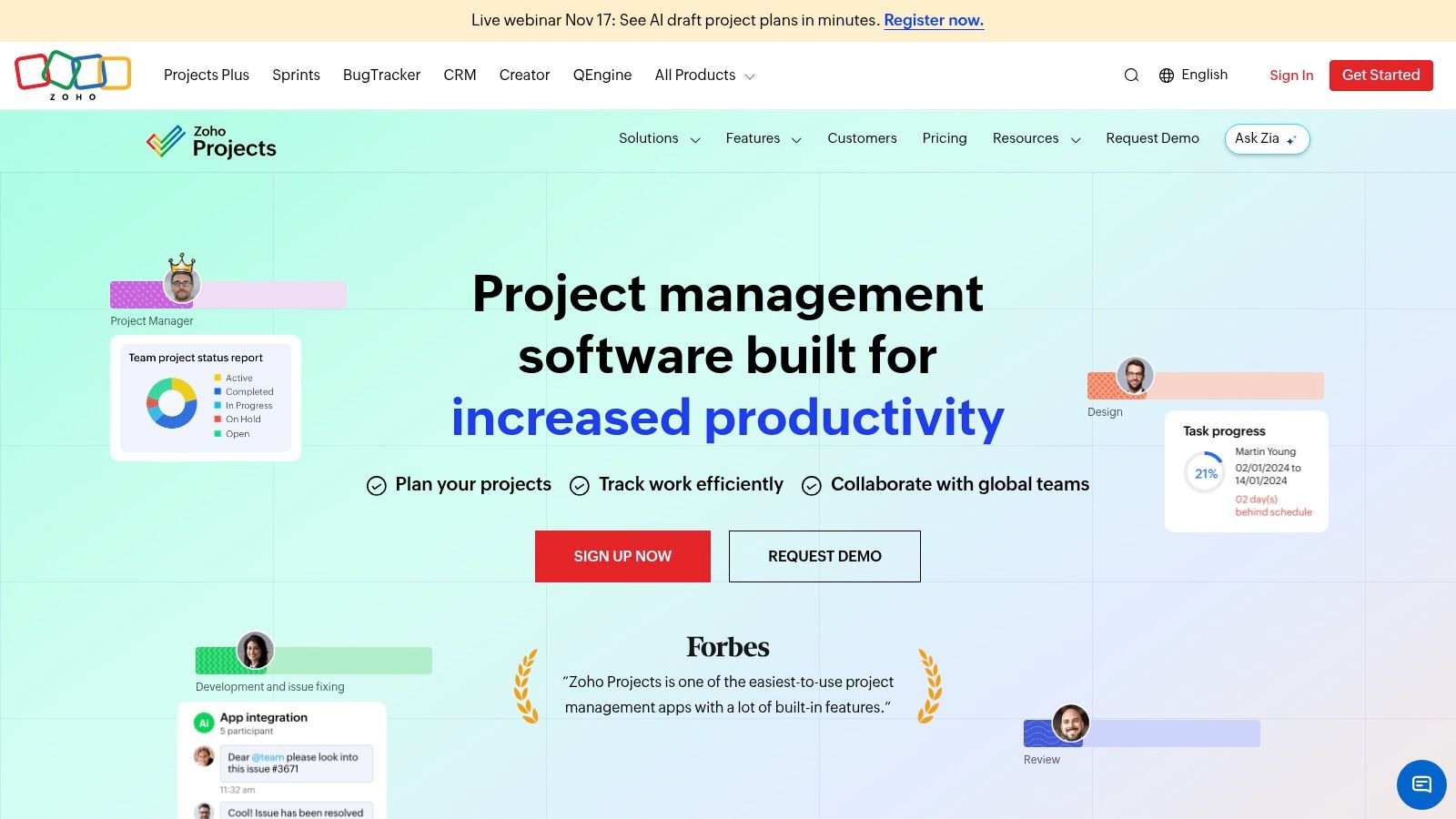
Start with Zoho Projects if your priority is structured project planning with time records. Tasks, subtasks, templates, Gantt charts, documents, and reporting provide a project-centered foundation.
Feeds, pages, and chat also support collaboration. The important question is whether those features can become your team's normal discussion space or whether people will keep using a separate messaging app.
Check the complete workflow, not the entry plan
Time logs and timesheets require a paid plan. Higher plans add workload, reporting, and administrative capabilities, while per-user pricing means the subscription grows with the team.
A Zoho MCP server is available for AI interaction with project data. Treat that as an integration to evaluate, including authorization and review responsibilities, rather than assuming an agent should operate without supervision.
- Good fit: Teams that need dependencies, schedules, and time reporting to guide delivery.
- Main compromise: Continuous team conversation may still need a separate tool.
- Setup priority: Establish project templates and time categories before asking contributors to log work.
For a remote production team, test whether a colleague can open a task and find the brief, current document, deadline, and relevant discussion without asking for help. If they can't, adding more fields won't solve the problem.
Zoho Projects is worth considering when planning discipline matters more than a chat-first experience.
7. GoodDay
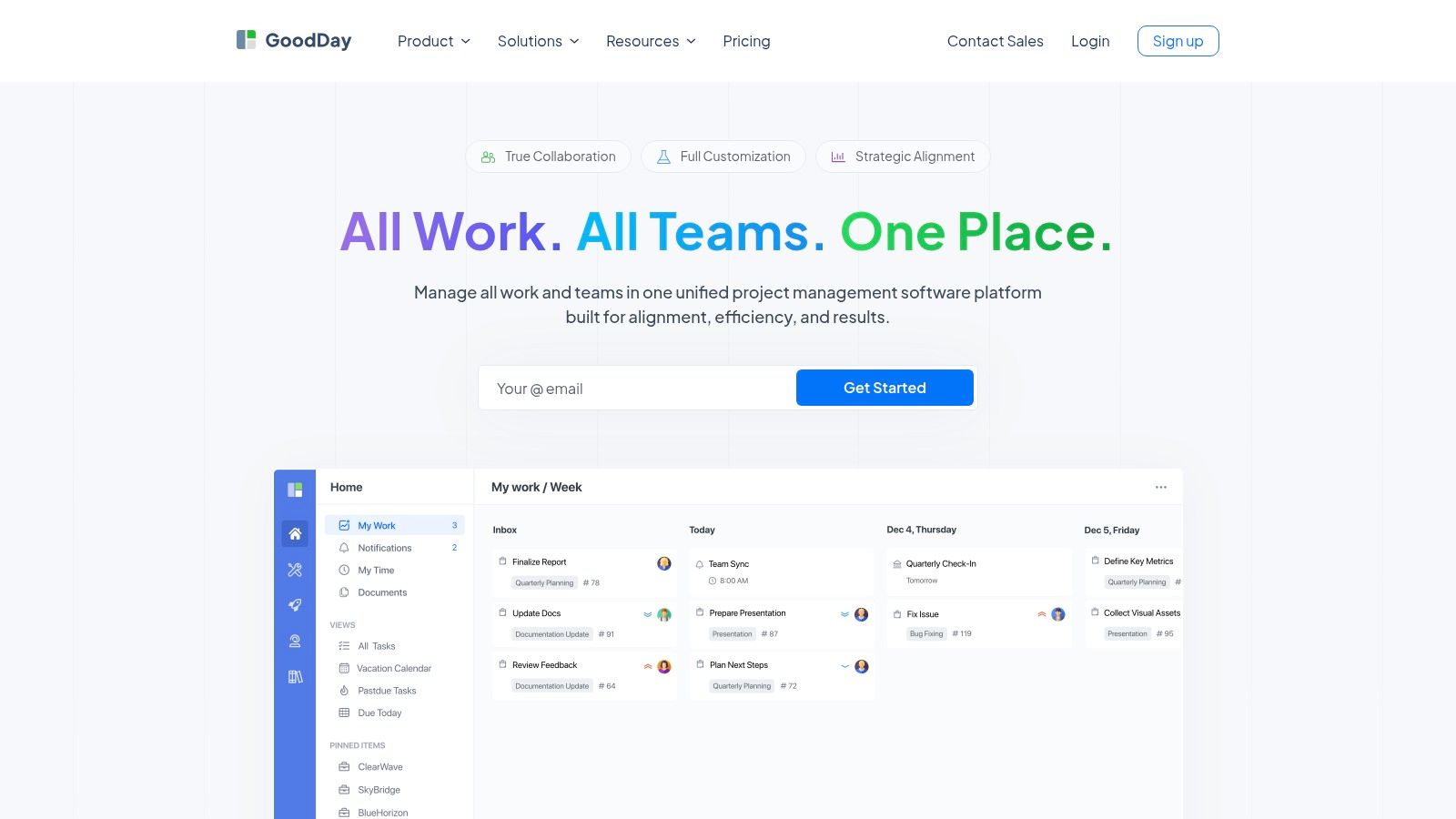
GoodDay deserves a look when planning and time reporting need to share a system. GoodDay combines projects, tasks, documents, discussions, chat, and integrated time tracking, with mobile and desktop applications.
Its project hierarchies and multiple views can support different levels of planning. The challenge is keeping those views understandable for contributors who only need to know their next action.
Rather than enabling everything, choose a default task view and a standard project structure. Add specialist views only when a named role needs them.
- Consolidation potential: Documents, discussions, timers, and reports can sit alongside work items.
- Scaling model: Professional and Business subscriptions are priced per user.
- Upgrade considerations: Resource management and AI agents require higher plans.
The Business plan lists AI chat and agents. Evaluate those capabilities against a specific job, such as reviewing project context, rather than buying an upgrade just because it includes AI.
GoodDay suits teams willing to configure a shared management system. It may feel excessive for a small group that only needs a discussion space and a short task list.
During the trial, ask a contributor to log time and a manager to interpret it. Recording hours is only useful when the resulting report answers an operational question, such as where revisions are consuming effort.
8. Worksection
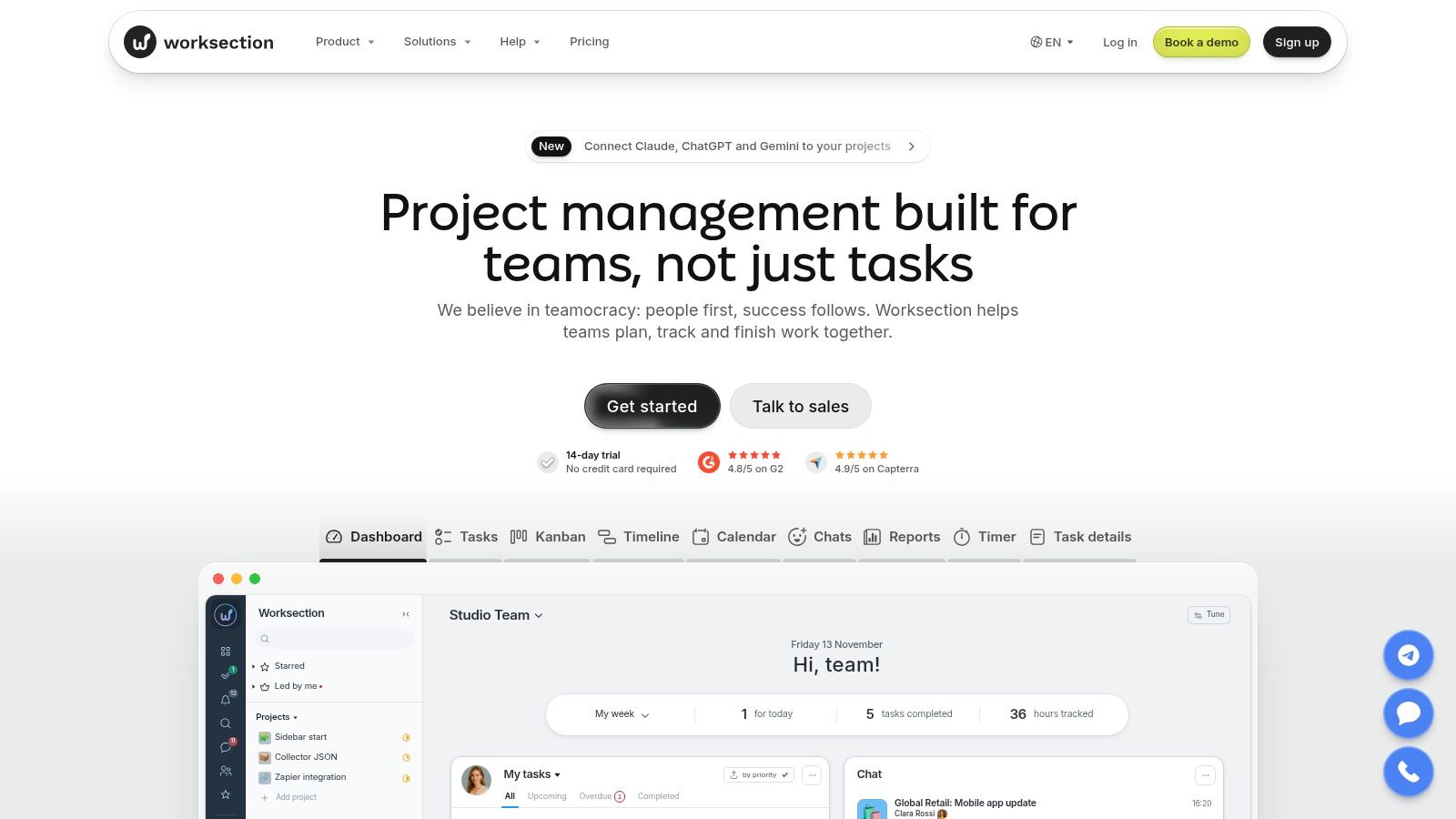
A team that wants real-time chat beside project tracking should consider Worksection. It combines task lists, visual planning, dashboards, and reports, rather than treating communication as an entirely separate layer.
Kanban, calendar, and Gantt-style planning support different coordination needs. Higher tiers add capabilities such as guest access, document editing, and time-and-material tracking.
Follow a request through to delivery
Test a client revision from the moment it arrives in chat. Assign the work, attach the relevant material, update its status, and inspect the reporting afterward.
That exercise reveals whether the team can keep context connected or still needs to copy information manually. Also check what an external collaborator can see before inviting a client into a working project.
The pricing trade-off is per-seat scaling. Annual billing is advertised at a discount relative to monthly billing, but a longer commitment doesn't fix a poor workflow fit.
Guest access and time-and-material tracking are plan-sensitive. Include those requirements in the shortlist decision instead of treating them as optional extras you can resolve after migration.
Worksection suits delivery teams that want chat within their project environment. It falls short of the ideal consolidation target if your required document or financial workflow remains unavailable on the plan you're prepared to buy.
9. Slack
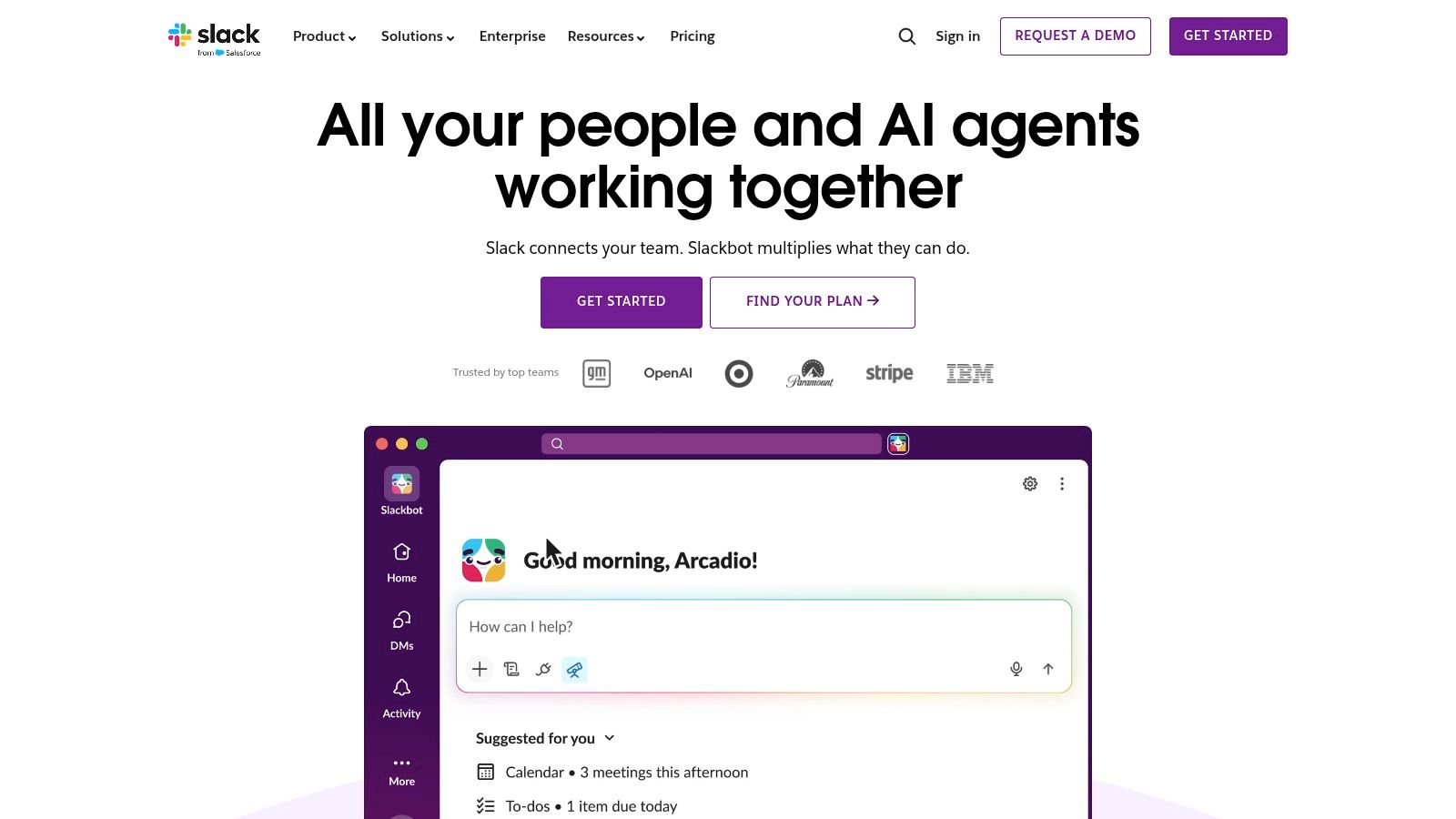
Slack is a communication layer first. Channels, direct messages, huddles, canvases, lists, and integrations help distributed colleagues talk and coordinate, but they don't automatically create a dependable project system.
It suits teams with frequent conversation and an established task-management tool. Slack Connect also supports collaboration with outside organizations.
Keep the discussion in Slack if that works for your team. Keep the accountable task in the system where someone will review its completion.
The problem starts when teams use conversation history as the delivery record. A message can explain a decision, but the owner, deadline, and completion status still need a durable home.
- Where it works: Project channels can connect people with updates from other tools.
- Where it falls short: Advanced project management and time tracking usually require a dedicated system.
- How costs scale: Pricing is based on active users, while free-plan history and features are limited.
Paid plans provide full message history and group huddles. Even then, budget for the project tools Slack hasn't replaced.
Write down what belongs in channels, canvases, and the task system. A step-by-step workflow tutorial can help turn that agreement into a repeatable process, but the team still needs to follow it consistently.
10. Flock
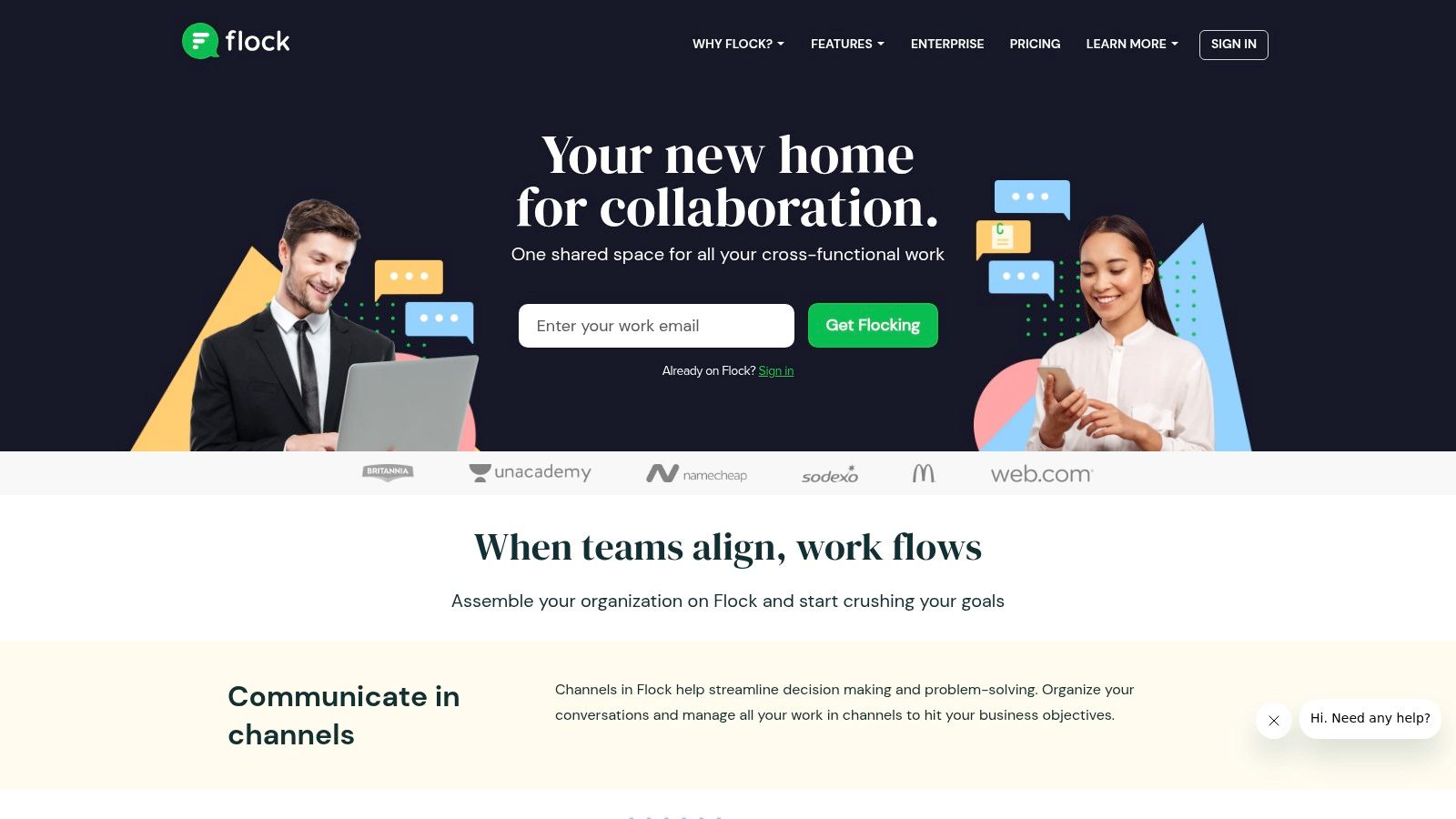
Not every remote team needs elaborate project controls. Flock combines team messaging, video calling, file sharing, and lightweight coordination features such as shared to-dos, polls, notes, and reminders.
Its appeal is chat with useful supporting tools. That can suit a group coordinating everyday work without detailed dependencies, client budgets, or resource planning.
Know when lightweight stops being enough
Say a studio needs to choose a concept, share reference files, and remind colleagues about an internal review. Messaging, polls, and shared to-dos may cover that workflow without extensive configuration.
Now add billable revisions, approval stages, and capacity reporting. Those requirements call for closer comparison with dedicated project-management products rather than assuming basic coordination features will stretch to cover them.
- Useful starting point: Flock advertises a free start without a credit card.
- Pricing uncertainty: Establish current paid pricing, billing units, and plan limits directly before calculating team-wide costs.
- Likely boundary: Detailed timesheets, budgets, and advanced reporting need separate evaluation.
Don't assume that a chat-centered tool will replace your shared drive or task system. Test file retrieval and task follow-through with actual project material.
Flock belongs on the shortlist when conversation is the main need. It is less compelling when your buying decision depends on auditable delivery records and project-level financial control.
How the 10 remote worker solutions compare on pricing model, free plan, and best fit
Two pricing shapes dominate this list. Per-seat tools bill for every person you add, so the subscription grows with headcount even when the work stays the same. Workspace-priced tools charge one rate up to a capacity limit, so the bill holds steady until the team outgrows the plan. The free-plan column matters for a different reason: it shows which tools you can trial properly before money enters the decision.
| Item | Pricing model | Free plan | Best for |
|---|---|---|---|
| Tuff | Flat workspace pricing; paid tiers scale by team capacity | Yes, for two people; limited storage and no AI agents | Teams wanting project work, chat, and files in one workspace with predictable pricing |
| Basecamp | Flat pricing on Pro Unlimited; other plans have limits | Yes, a limited personal option plus a time-limited trial | Small teams and agencies seeking a straightforward project hub |
| ClickUp | Per-user paid plans | Yes, Free Forever plan | Teams wanting a broad, customizable work-management platform |
| Teamwork.com | Standard users occupy paid seats | Yes, a limited free tier | Agencies managing client projects, billable time, and costs |
| monday.com Work Management | Per-seat paid plans | Yes, a limited free tier | Teams building visual, customizable workflows |
| Zoho Projects | Per-user paid plans | Yes, a limited free tier | Teams needing structured project tracking and time management |
| GoodDay | Per-user paid plans | Yes, includes core work-management features | Teams wanting projects, time tracking, and reporting in one platform |
| Worksection | Per-seat paid plans | Yes, a limited free tier | Teams combining project coordination with real-time chat |
| Slack | Per-active-user paid plans | Yes, with limited history and features | Teams focused on ongoing communication and integrations |
| Flock | Paid plans offered; confirm current billing units on the vendor's pricing page | Yes, a free start without a credit card | Remote teams needing messaging and lightweight coordination |
Tuff is the outlier in the pricing column. Its Team plan covers ten people for $25 a month and Company covers a hundred for $99, with an upgrade required only when headcount or storage passes the limit. The trade-off is stepped tiers: a team that outgrows ten people jumps straight to the hundred-person price. Per-seat tools scale more gradually, but every new hire adds a line item.
Read the best-fit column as a boundary, not a ranking. A chat-first tool suits a team whose work already lives in a separate project system. A flat-priced project hub suits a team tired of doing that arithmetic.
Choosing a Stack Your Remote Team Can Keep Using
Start by listing where your team's work currently lives: tasks, chat, documents, and files. Include private messages, client email, shared drives, and the spreadsheet someone maintains outside the official system. Those unofficial locations are often where the difficult handoffs happen.
Count everyone who needs full access, including contractors and recurring collaborators. Then compare how each subscription grows, whether through additional seats, a workspace capacity upgrade, or higher-tier features. Include subscriptions you won't be able to cancel.
Trial the handoffs, not just the interface
Run a shortlisted tool on a live project before committing. Give the team enough time to encounter revisions, missing information, and an absent colleague, rather than evaluating only the initial setup.
Use the trial to answer practical questions:
- Finding context: Can someone locate the current brief and approved file without asking in chat?
- Taking ownership: Can a discussion become assigned work with a clear deadline?
- Reviewing effort: Can the manager distinguish delivery time from revisions and internal coordination?
- Including collaborators: Can clients and contractors participate with appropriate access?
- Leaving cleanly: Can you retrieve the records and files you would need after cancellation?
Accessibility belongs in that evaluation. The American Psychological Association's 2025 Work in America report found that workers with disabilities reported loneliness while working more often than workers without disabilities, 37% versus 24%. Removing the commute doesn't remove every barrier to participation.
Test keyboard navigation, document accessibility, notification controls, and alternatives to live calls. Give people a clear route for reporting inaccessible material without requiring them to disclose medical information.
Choose an operating model you can maintain
An integrated workspace makes sense when fragmentation is the main problem. A connected stack can work when specialist tools justify the extra handoffs. Neither approach removes the need for explicit ownership and documented decisions.
Before rollout, confirm storage limits, time-tracking availability, guest permissions, and the plan features your pilot relied on. Choose the system your team can maintain during a busy delivery week, not the one with the longest feature list.
Tuff brings tasks, project chat, documents, files, and time tracking into shared workspaces, with flat workspace pricing rather than separate seat fees. Visit Tuff and test an active project to see whether keeping conversations beside the work can simplify your team's remote coordination.